
When and Why to Use
Use s.show_embedded_media(...) to embed third-party content - currently only YouTube videos - within your survey. This is ideal for:
- Testing reactions to public video content
- Presenting branded content hosted externally
- Gating progression until content has been viewed for a set time
Other Names and Formats
Show Embedded Content presents embedded video, embedded media, a YouTube embed, or a video stimulus. The currently supported external media source is YouTube. A configured viewing duration controls when the respondent can continue.
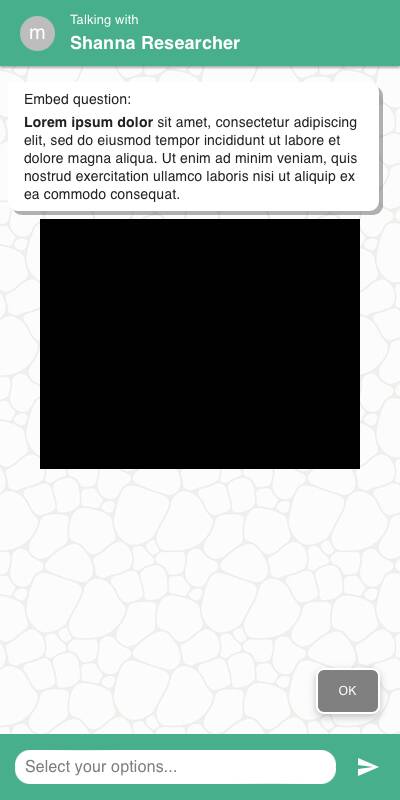
Chat Style
- Video is centered with the prompt text above
- A countdown prevents the user from continuing until the specified duration has passed
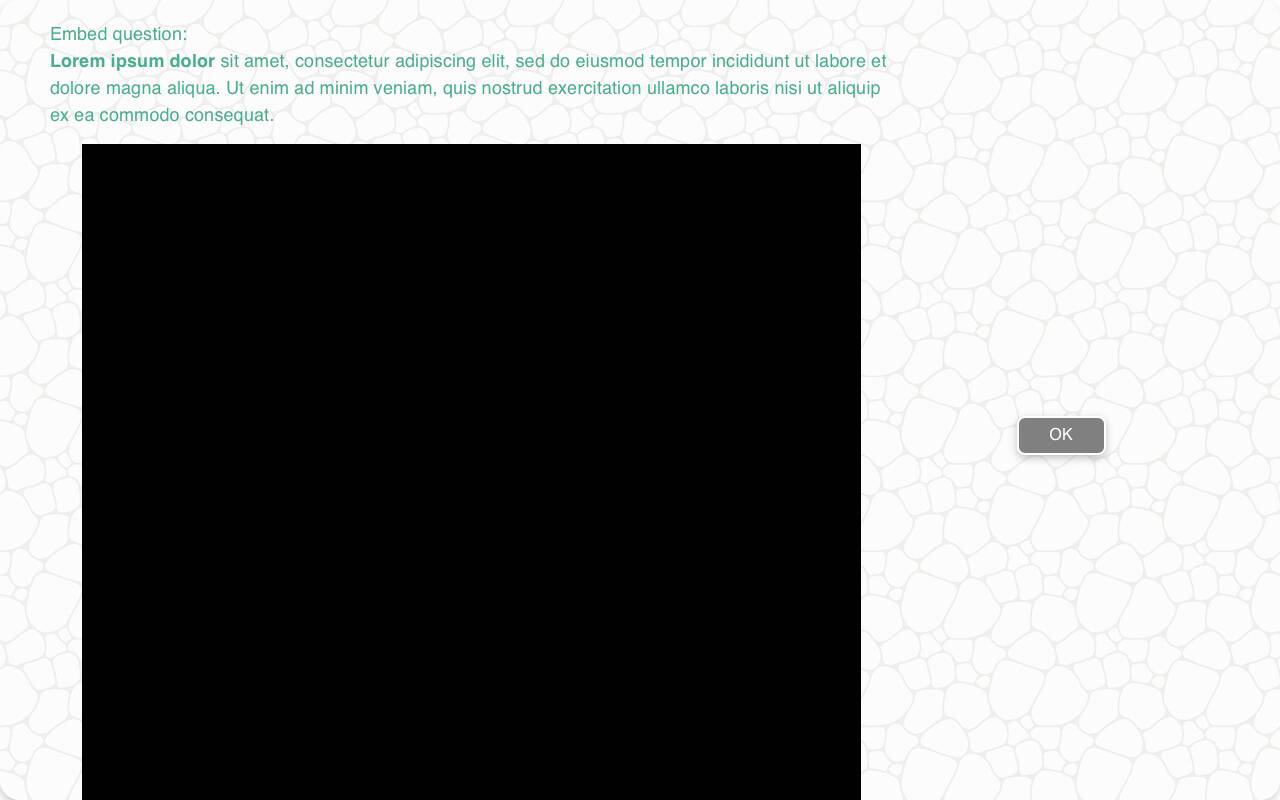
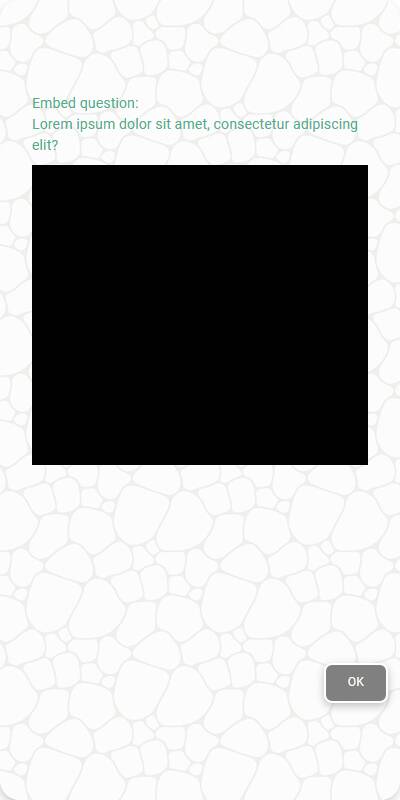
Traditional Style
- Layout shifts to embed the video more prominently
- Countdown behavior is the same
- Works with both mobile and remote input interfaces
| Chat style | Traditional | Traditional - mobile |
|---|---|---|
 |  |  |
Configuration Options
| Option | Type | Required | Description |
|---|---|---|---|
question | str | yes | Prompt or instruction to show above the embedded content |
url | str | yes | YouTube video URL to embed |
duration | int | yes | Number of seconds the respondent must wait before continuing |
Example Code
from survey import Survey
s = Survey(**globals())
s.show_embedded_media(
"Watch this video",
url="https://www.youtube.com/watch?v=2gcsgfzqN8k",
duration=231
)
Notes
- Only YouTube URLs are supported at this time
- Users cannot skip ahead; the continue button appears only after the timer expires
- Use in combination with follow-up questions to assess recall, sentiment, or comprehension