
When and Why to Use
Use this when you need a single-select multiple-choice question. It's suitable for:
- Categorical data collection (e.g. gender, preferences, ratings)
- Recoding responses into other groupings
- Displaying image-based choices
- Allowing "Other (please specify)" options
Supports randomization, disabling options, and custom input.
Other Names and Formats
A Select Question is a single-select multiple-choice question, also called a single-answer question, single-response question, or radio button question. The dropdown configuration provides a dropdown question; media options provide image choice or image select questions. Each respondent chooses one answer.
Chat Experience
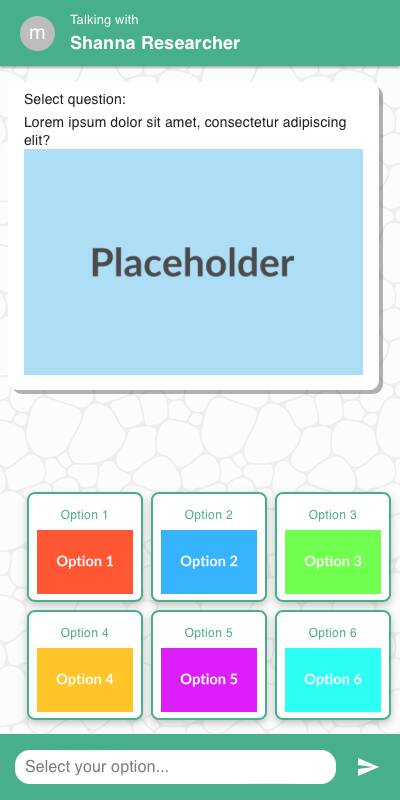
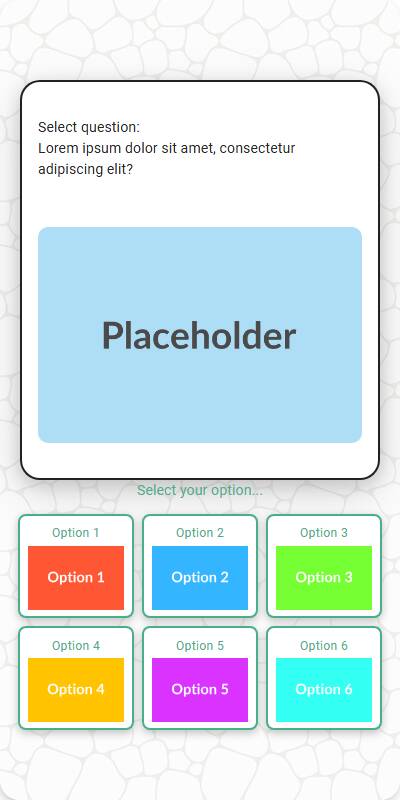
- Options appear as buttons or image tiles depending on input.
- With
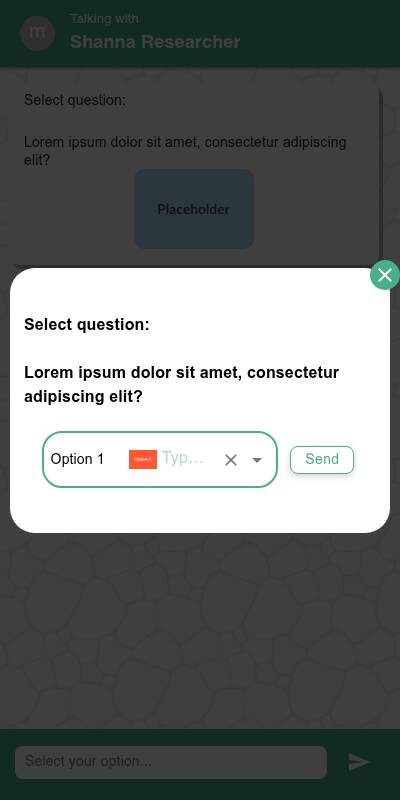
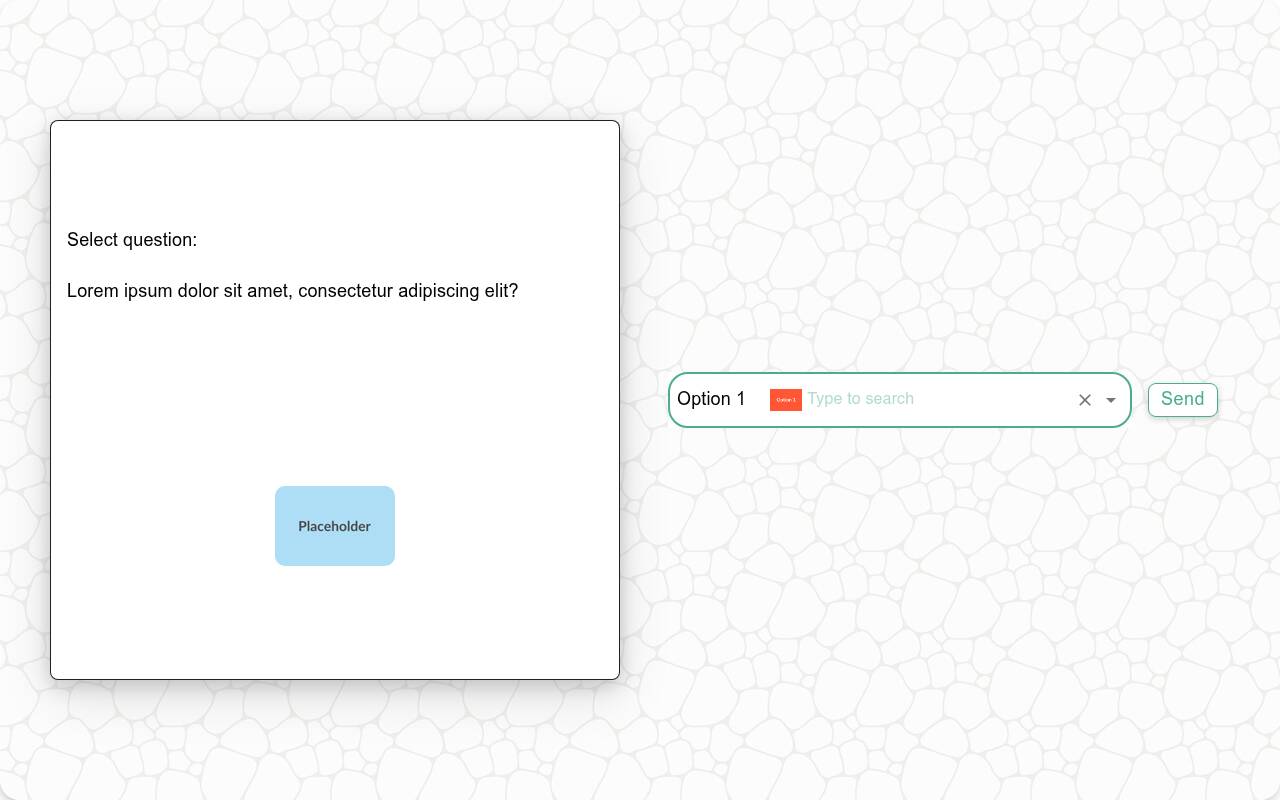
style="dropdown", the question opens a searchable option picker instead of rendering the full list. Type to filter the options, then use the pointer or keyboard to choose one. - The picker shows No matching options when the search finds nothing. A choice must be selected before Send is enabled, and closing the picker does not submit an answer.
- If
specify_optionis set, an input field appears when selected. - Disabled options appear grayed out and cannot be selected.
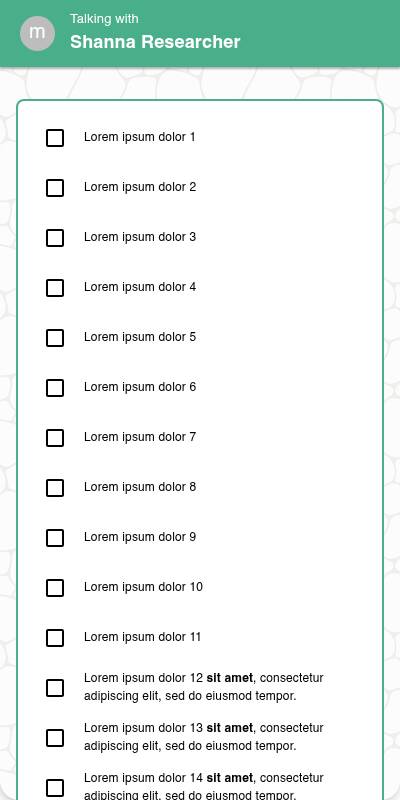
| With images | Without images | List style |
|---|---|---|
 |  |  |
Traditional Experience
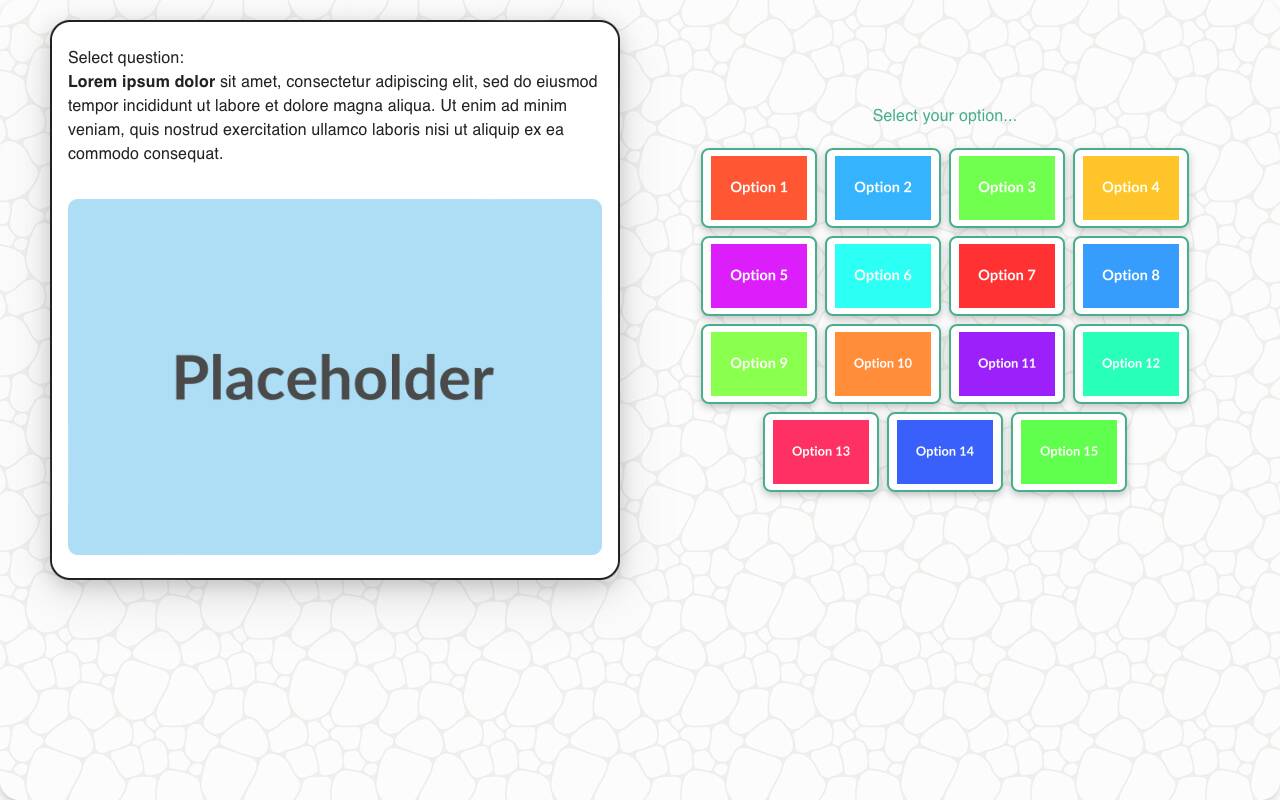
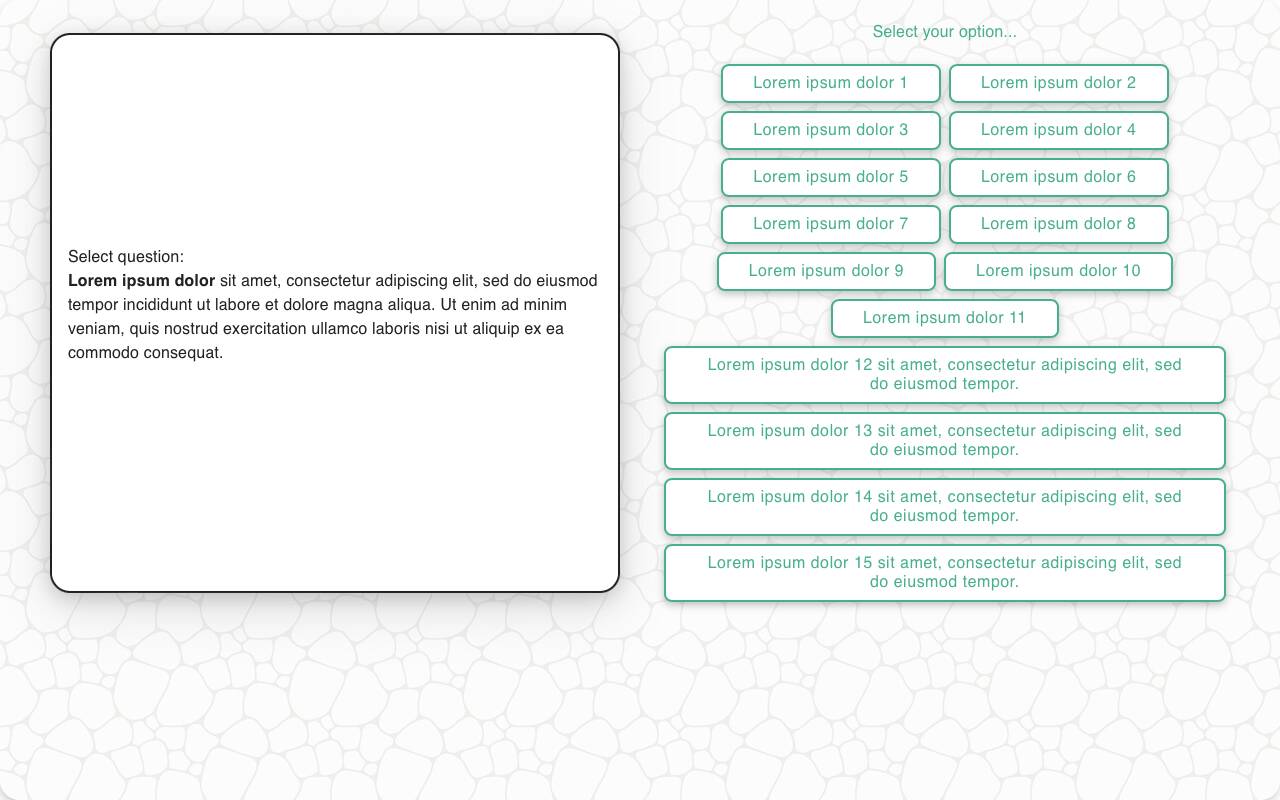
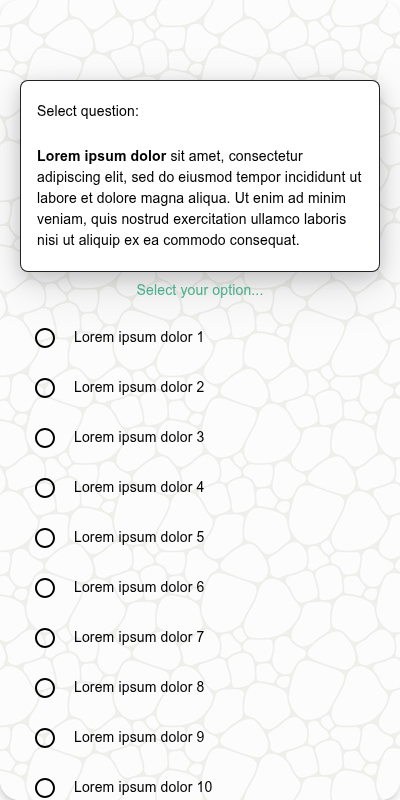
- Layout may adjust to grid view or left-right image-plus-label design.
- Keyboard/remote navigation highlights each choice.
- Dropdown style renders the searchable picker inline on wider layouts. It supports pointer selection and standard autocomplete keyboard controls, including arrow-key navigation, Home/End, and Enter.
- Specify input field appears inline or in modal depending on UI.
| With images | Without images | Mobile optimized List style | Mobile Optimized |
|---|---|---|---|
 |  |  |  |
Configuration Options
| Option | Type | Required | Default | Description |
|---|---|---|---|---|
question | string | yes | - | The prompt shown to the user |
options | List[str | MediaItem] | yes | - | The options the respondent can choose from |
image | MediaItem | no | - | Image shown above the question |
randomize | bool | no | False | Shuffle options (except fixed ones) |
other_options | List[str] | no | - | Additional options to present to the user |
disabled_options | List[str] | no | - | Options to gray out/disable |
fixed_options | List[str] | no | - | Options that remain in place even when randomizing |
specify_option | str | no | - | Adds an "Other" option requiring input |
specify_text | str | no | "Please specify" | Prompt shown with specify_option |
default | str | List[str] | no | random choice | Default value for test data, or a list of candidate values — each simulated respondent picks one at random |
recodes | Dict[str, str] | no | - | Maps response(s) to grouped value(s) |
custom_validator | Callable[[str | int], str | None] | no | - | Called with the parsed selection as a plain value (an int when sorted is set, otherwise a str); return an error message to reject it, or None to accept |
skip_empty | bool | no | False | If True, skips the question when no options available |
image_label_field | str | no | - | Field used to label image options from media items |
show_image_label | bool | no | True | Whether to show labels with image tiles |
image_size | Tuple[int, int] | no | 600x600 | Pixel bounding box for rendering image options |
style | Literal['default', 'button', 'list', 'dropdown'] | no | 'default' | Presentation style for the options. Dropdown style provides a searchable autocomplete picker; list style renders radio buttons. |
sorted | Literal['ascending', 'descending'] | no | None | Store the answer in reporting as a numeric scale derived from option order. The respondent still sees a normal select. Cannot be combined with randomize or specify_option. |
number_seconds | int | no | 0 | Seconds to wait before allowing the respondent to continue |
tags | s.tag() | no | - | Replaces tokens in question and groups results in reports |
id | string | no | - | Optional stable identifier for this question |
Example Code
Basic usage:
s.select_question("What is your gender?", options=["Male", "Female", "Non-Binary"])
With disabled and specify:
s.select_question( "What did you enjoy most?", options=["Service", "Price", "Speed"], disabled_options=["Speed"], specify_option="Other", specify_text="Tell us what else you enjoyed" )
With custom validator:
s.select_question( "Which brand do you trust the most?", options=["Brand A", "Brand B", "Brand C"], custom_validator=lambda x: "Are you sure you meant Sleepy Cows?" if x == "Sleepy Cows" else None )
Stored as a numeric scale for reporting:
s.select_question( "How satisfied are you overall?", options=["Very dissatisfied", "Dissatisfied", "Neutral", "Satisfied", "Very satisfied"], sorted="ascending" )
Search a large predefined option set:
s.select_question(
"Which airport did you depart from?",
options=airport_names,
style="dropdown",
)
Notes
randomizehelps reduce bias, especially in brand lists.- Use
fixed_optionsto keep options like "None of the above" in place. specify_optionis useful for letting users add their own answers.- Use dropdown style for long lists that respondents are more likely to search than scan. Limit a question to 500 options.
- If a dynamically generated question can have no available options, use
skip_empty=Trueto skip it instead of leaving the respondent with an empty picker. - Recoding allows multiple options to be grouped into analysis buckets.
- Returns a
StringResponse, which behaves like a plain Python string; whensortedis set, the parsed answer is numeric and the question returns anIntResponse, which behaves like an int. Likewise,custom_validatorreceives the plain parsed value (strorint), not a response object. sortedis useful when the options form an ordered scale (for example a satisfaction or agreement scale) and you want reporting to treat them as numbers. Withsorted="ascending"the first option is stored as1, the second as2, and so on down the list;sorted="descending"reverses this, storing the first option as the highest value and the last as1. The respondent experience is unchanged. They still pick from the option labels. Because the numeric values come from the option order,sortedcannot be used withrandomize(which would shuffle that order) or withspecify_option.- If only a single option is available when the question is reached (for example, because the option list is derived from a prior question and only one choice carried through), the question will not be shown to the respondent. The sole option is automatically selected and stored as the response, and the survey continues to the next question.