
When and Why to Use
Use this when the respondent can select more than one option. Ideal for:
- Attitudes, experiences, or features that apply in parallel
- "Select all that apply" questions
- Showing both fixed and exclusive choices (e.g. "None of the above")
Supports image-based choices, randomization, "Other (specify)", and recodes.
Other Names and Formats
A Multi Select Question is a multiple-response question, multiple-answer question, or multiple-choice question with multiple answers. It is also described as a checkbox question or select all that apply question. Configurations include a multi-select dropdown, image choice, and image multi-select. Respondents can choose more than one answer, subject to the configured selection limits.
Chat Experience
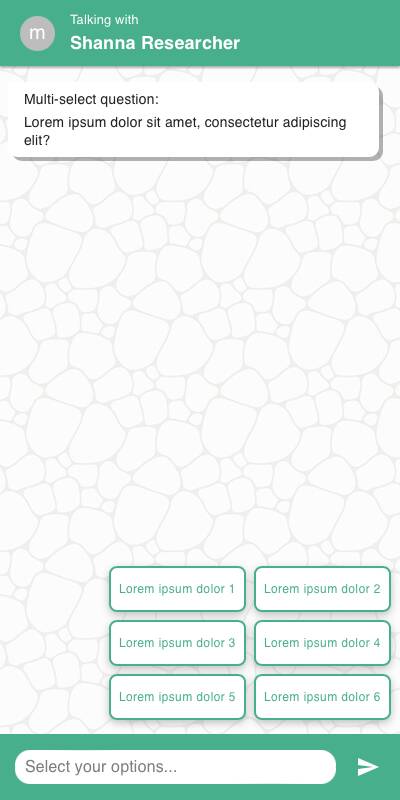
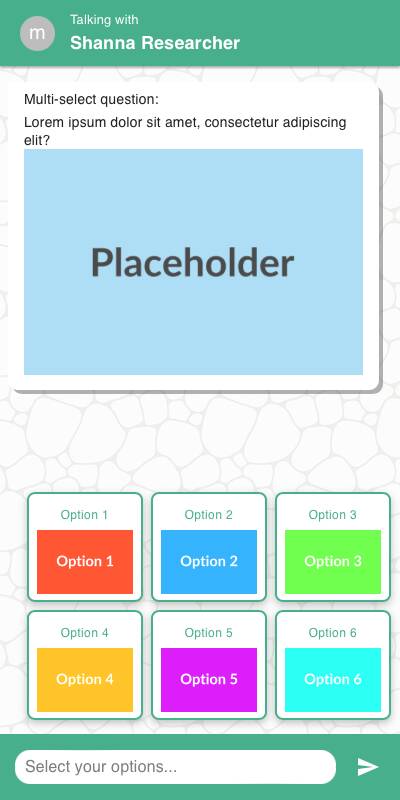
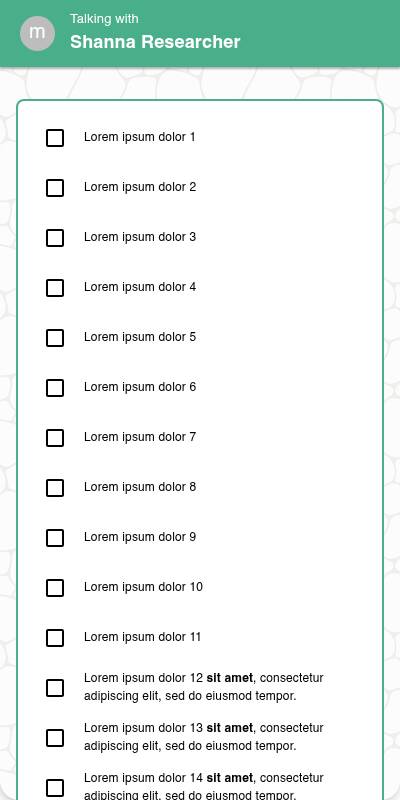
- Options shown as checkboxes or tap-to-select tiles.
- With
style="dropdown", the question opens a searchable option picker. Selected options remain visible and can be removed before submission. - The picker shows No matching options when the search finds nothing. Send remains disabled until at least one valid option is selected, and closing the picker does not submit an answer.
- If max_options is set, selection becomes disabled once the limit is reached.
- Exclusive options deselect others when tapped.
- Specify input appears inline below the selected "Other" option.
| Without images | With images | List style |
|---|---|---|
 |  |  |
Traditional Experience
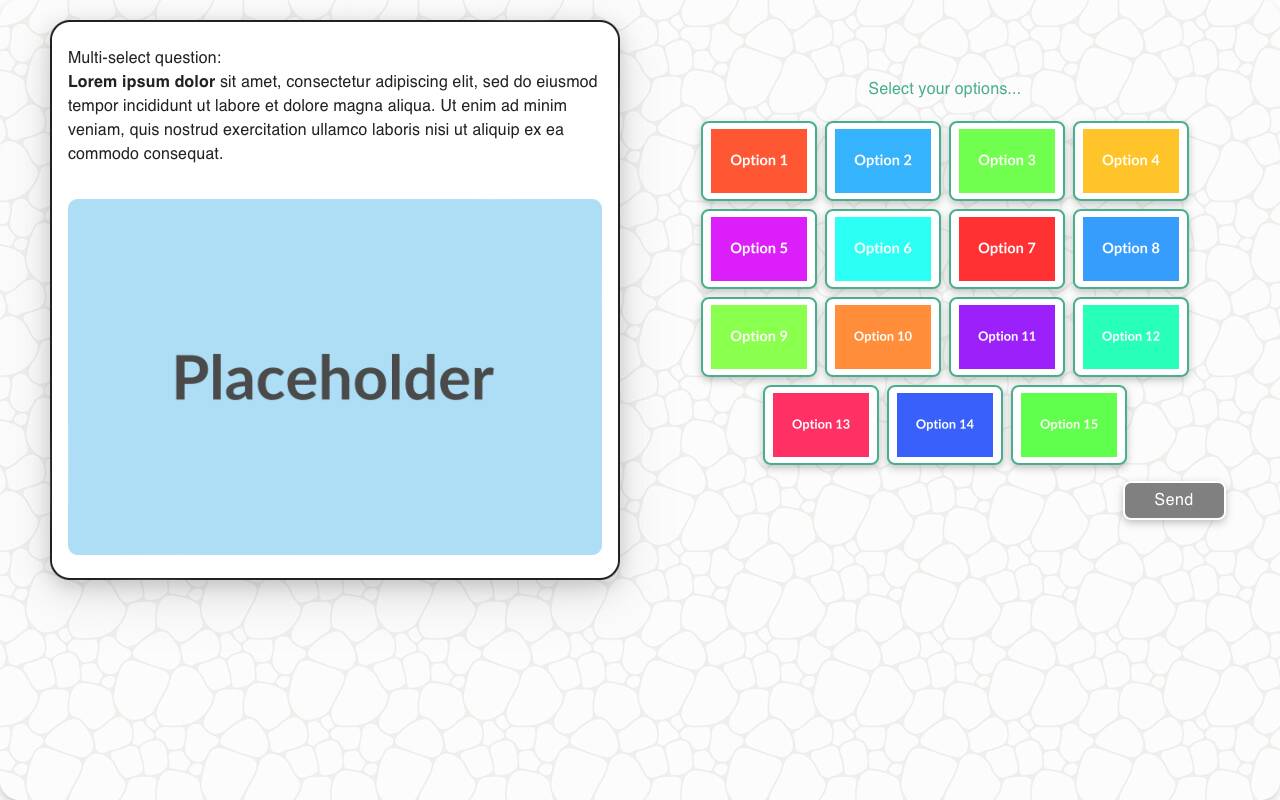
- Same logic as the chat experience, but more layout flexibility.
- Wider layout for media items, and better keyboard/remote navigation support.
- Dropdown style renders the searchable picker inline on wider layouts. Respondents can use the pointer or standard autocomplete keyboard controls, including arrow-key navigation, Home/End, and Enter.
| With images | Without Images | Mobile optimized | List style |
|---|---|---|---|
 | 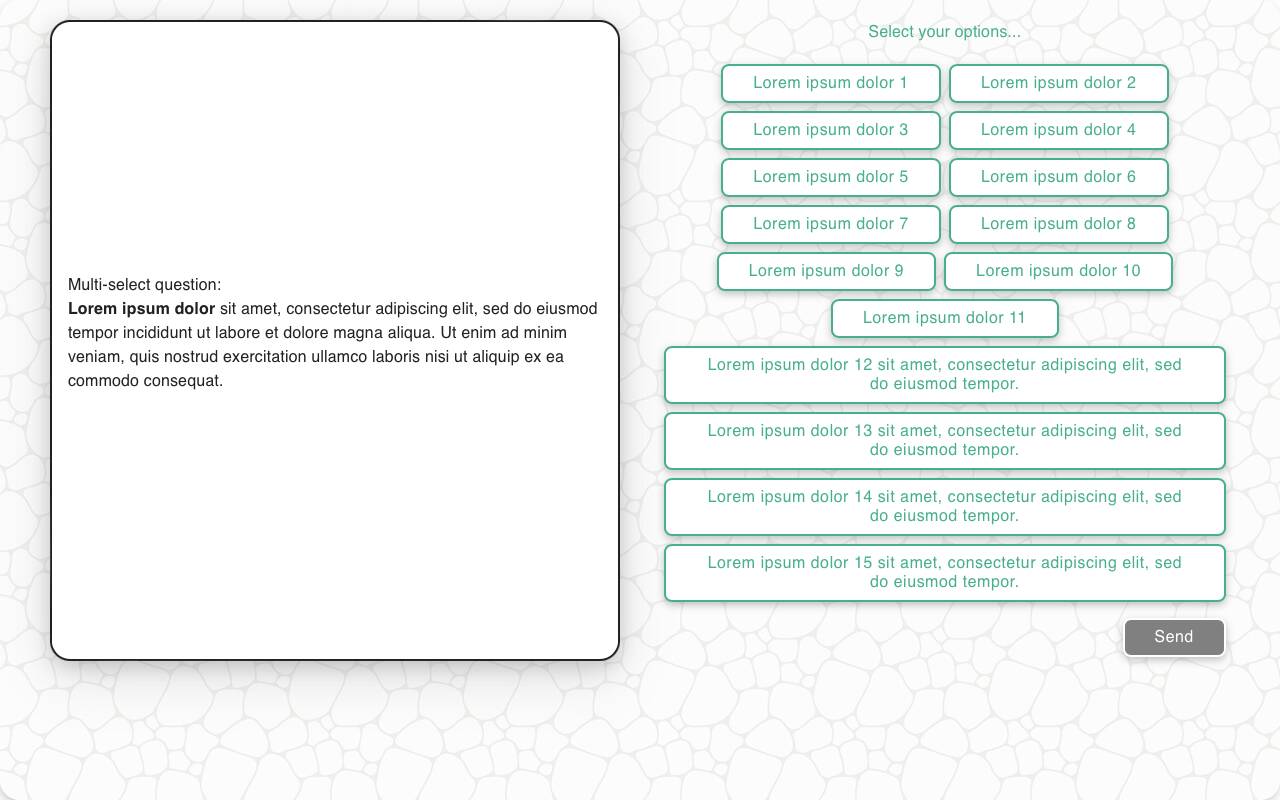 | 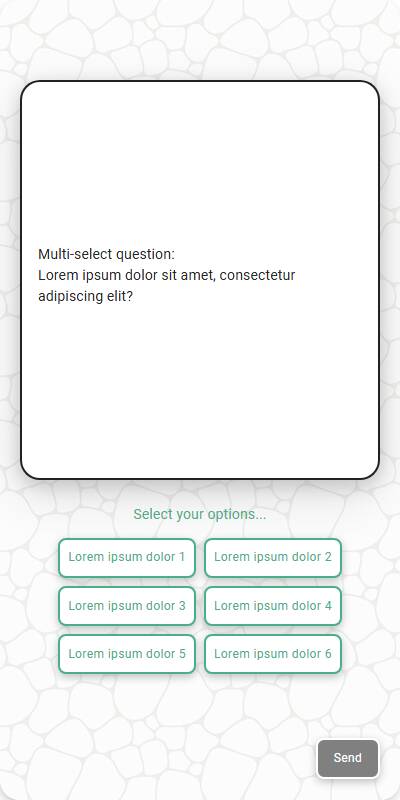 | 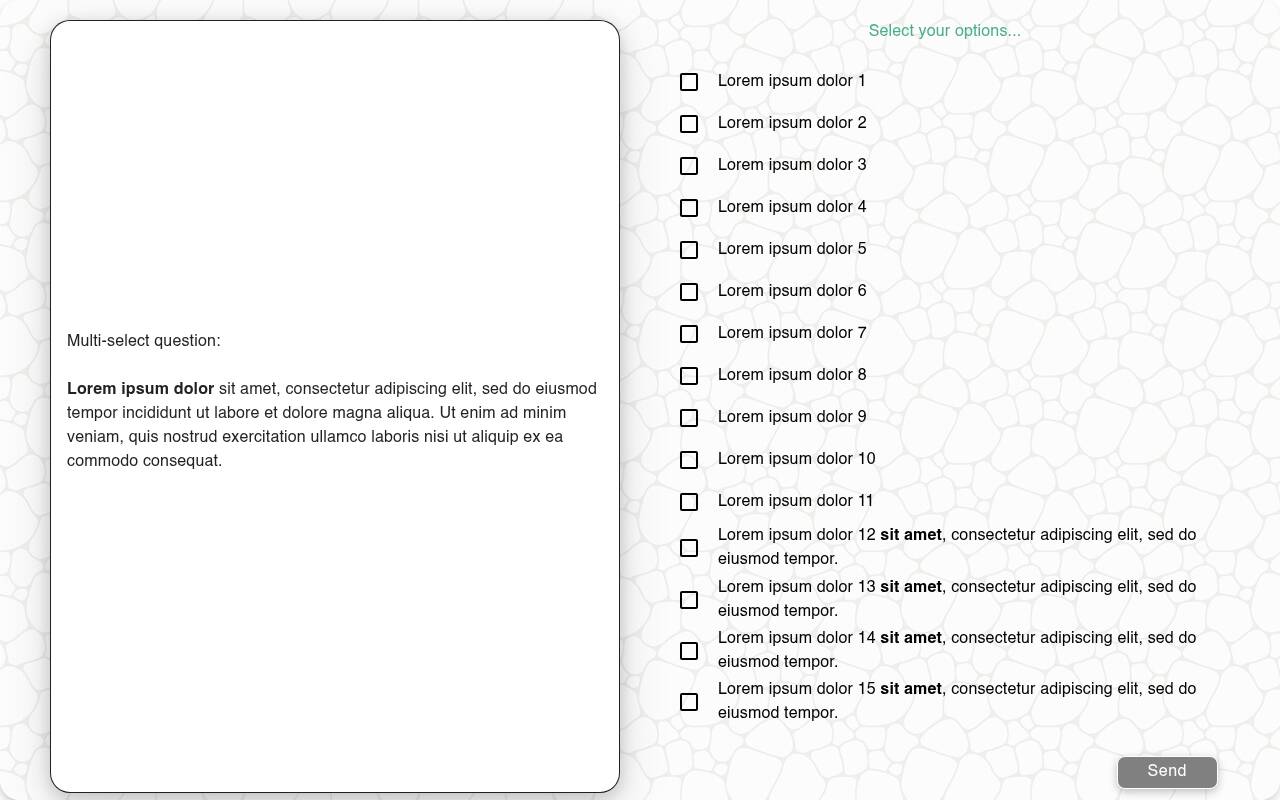 |
Configuration Options
| Option | Type | Required | Default | Description |
|---|---|---|---|---|
| question | string | yes | - | The prompt shown to the user |
| options | List[str | MediaItem] | yes | - | The options the respondent can choose from |
| max_options | int | no | all | Limit how many items can be selected |
| image | MediaItem | no | - | Image shown above the question |
| randomize | bool | no | False | Shuffle options (except fixed ones) |
| other_options | List[str] | no | - | Additional options to present to the user |
| disabled_options | List[str] | no | - | Options to gray out/disable |
| fixed_options | List[str] | no | - | Options that remain static during randomization |
| exclusive_options | List[str] | no | - | Options that deselect all others when chosen |
| specify_option | str | no | - | Adds an "Other" option requiring input |
| specify_text | str | no | "Please specify" | Prompt shown with specify_option |
| skip_empty | bool | no | False | If True, skips question if no valid options |
| default | List[str] | List[List[str]] | no | random choices | Default selection for test data, or a list of candidate selections — each simulated respondent picks one at random |
| recodes | Dict[str, str] | no | - | Maps response(s) to grouped value(s) |
| custom_validator | Callable[[List[str]], str | None] | no | - | Called with the parsed selections as a plain list of strings; return an error message to reject them, or None to accept |
| image_label_field | str | no | - | Field used to label media options |
| show_image_label | bool | no | True | Whether to show image captions |
| image_size | Tuple[int, int] | no | 600x600 | Display size for images in options |
| style | Literal['default', 'button', 'list', 'dropdown'] | no | 'default' | Presentation style for the options. Dropdown style provides a searchable autocomplete picker; list style renders checkboxes. |
| number_seconds | int | no | 0 | Seconds to wait before allowing the respondent to continue |
tags | s.tag() | no | - | Replaces tokens in text and supports grouped reporting |
id | string | no | - | Optional stable identifier for this question |
Example Code
s.multi_select_question( "What did you enjoy about the experience?", options=["The food", "The service", "The atmosphere", "The price"], fixed_options=["Other"], exclusive_options=["Other"], specify_option="Other", recodes={ "The food": "food", "The service": "service", "The atmosphere": "atmosphere", "The price": "price", "Other": "other" } )
With max options and validation:
s.multi_select_question( "Select up to two brands you most associate with luxury", options=["Lexus", "BMW", "Audi", "Mercedes"], max_options=2, custom_validator=lambda x: "You must choose at least one brand" if not x else None )
Search and select from a large predefined option set:
s.multi_select_question(
"Which markets do you operate in?",
options=market_names,
style="dropdown",
max_options=5,
)
Notes
- exclusive_options override other selections and enforce mutual exclusivity
- Use max_options to encourage prioritization
- Use dropdown style for long lists that respondents are more likely to search than scan. Limit a question to 500 options.
- If a dynamically generated question can have no available options, use
skip_empty=Trueto skip it instead of leaving the respondent with an empty picker. - recodes let you bucket answers for analysis
- specify_option is helpful for capturing outliers or edge cases
- Returns a
ListResponseof the selected options, which behaves like a plain Python list, so you can iterate over it or test membership within - If only a single option is available when the question is reached (for example, because the option list is derived from a prior question and only one choice carried through), the question will not be shown to the respondent. The sole option is automatically selected and stored as the response, and the survey continues to the next question.