
When and Why to Use
Use this when you need a numeric input within a defined range. It's best for:
- Age, year, count, or frequency questions
- Questions that require range-based recoding (e.g. age bands)
- Validating attention checks with specific values
Supports optional recoding and validation logic. Returns an IntResponse, which behaves like a standard Python integer.
Other Names and Formats
A Number Question is also called a numeric entry question, numerical input question, number entry question, numeric open-ended question, or integer input. Respondents enter a whole number within the configured range, such as an age, count, year, or frequency.
Chat Experience
- Respondent is shown a numeric input with increment/decrement buttons.
- Range boundaries are visible.
- If input is outside the range or invalid, an error message appears inline.
| With an image | Without an image |
|---|---|
 |  |
Traditional Experience
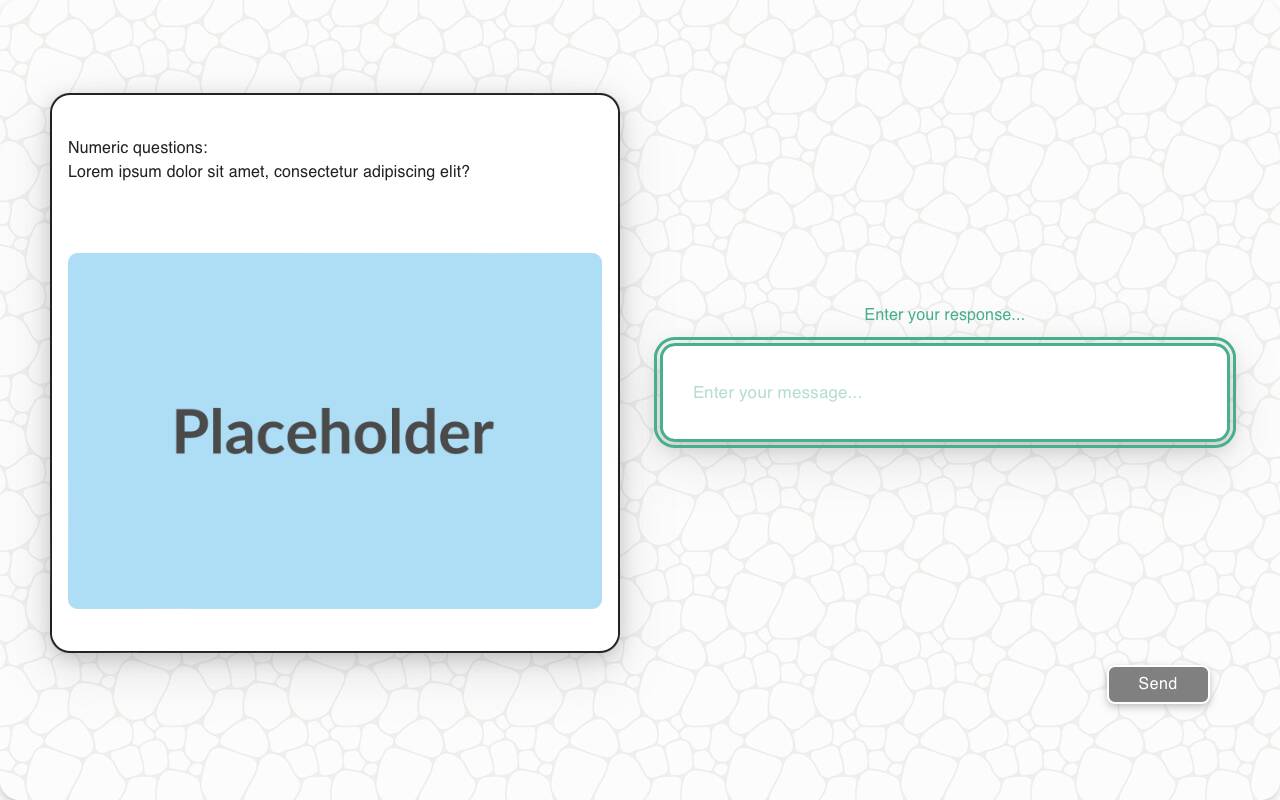
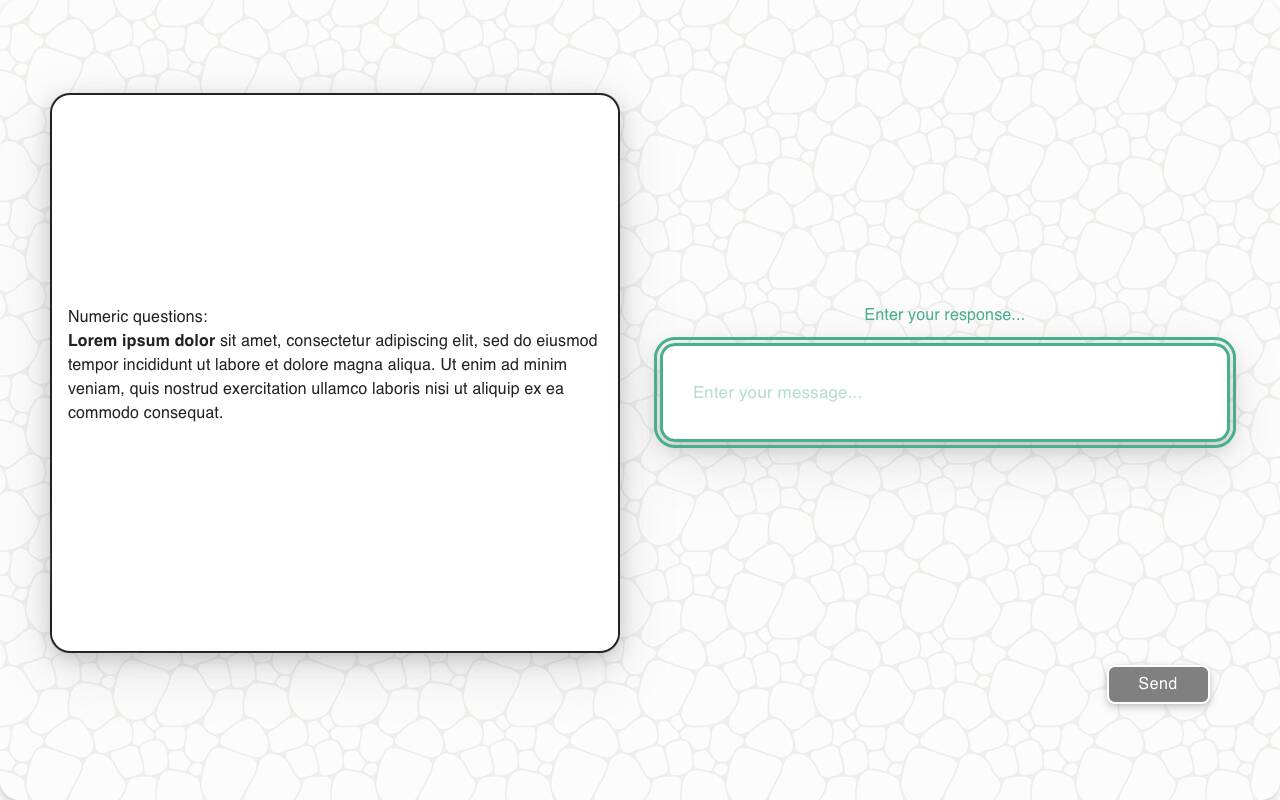
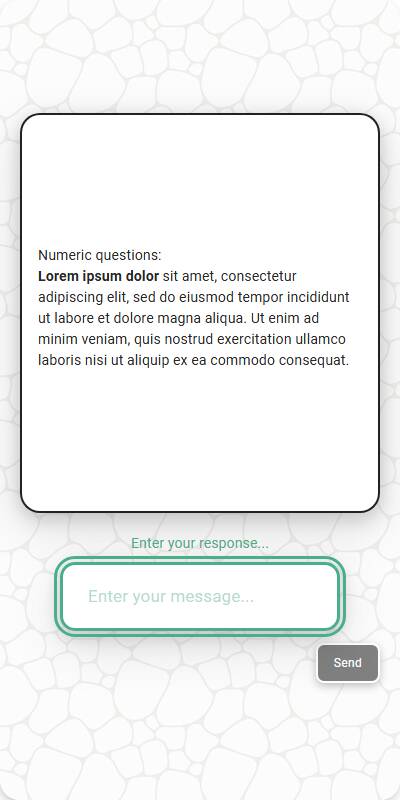
- Same as chat, but with more space for contextual text or images.
- Navigation and focus-friendly for web-based interactions.
| With an image | With markdown | Mobile optimized |
|---|---|---|
 |  |  |
Configuration Options
| Option | Type | Required | Default | Description |
|---|---|---|---|---|
question | string | yes | - | The prompt shown to the user |
image | MediaItem | no | - | Optional image from s.media |
image_size | Tuple[int, int] | no | (600, 600) | Bounding box size for a displayed image |
min_max | Tuple[int, int] | no | (1, 10) | The inclusive numeric range for answers |
style | "input" | "button" | no | "input" | "button" shows recode ranges as buttons, storing the midpoint |
default | int | List[int] | no | random between range | Default value for test data, or a list of candidate values — each simulated respondent picks one at random |
recodes | dict[str, str] | no | - | Map ranges or percentages to buckets |
custom_validator | Callable[[int], str | None] | no | - | Called with the parsed integer; return an error message to reject |
input_prefix | str | no | - | Display-only text before the numeric input; input style only |
input_suffix | str | no | - | Display-only text after the numeric input; input style only |
number_seconds | int | no | 0 | Seconds to wait before allowing the respondent to continue |
tags | s.tag() | no | - | Used to fill tokens in text and for reporting groupings |
id | string | no | - | Optional stable identifier for this question |
Example Code
Simple numeric:
s.numeric_question("What year were you born in?", min_max=(1900, 2024))
With recodes:
s.numeric_question( "How old are you?", min_max=(18, 100), recodes={ "18-25": "18-25", "26-54": "26-54", "55-74": "55-74", "75-100": "75+" } )
With percentage-based recodes:
s.numeric_question( "How many times have you visited our website?", min_max=(0, 100), recodes={ "0-30%": "Low", "31-70%": "Medium", "71-100%": "High" } )
With custom validator:
s.numeric_question( "How old are you?", min_max=(0, 200), custom_validator=lambda x: "Are you sure that you're 150 years old?" if x > 150 else None )
As range buttons:
s.numeric_question( "How old are you?", min_max=(18, 100), style="button", recodes={ "18-34": "18-34", "35-54": "35-54", "55-100": "55+" } )
With style="button", the recode ranges are shown as buttons instead of a numeric input, and the selected range stores its integer midpoint as the underlying value. Button style requires explicit finite-range recode keys — percentage and open-ended keys (like "0-50%" or "65+") are not supported in button style.
Display a prefix or suffix
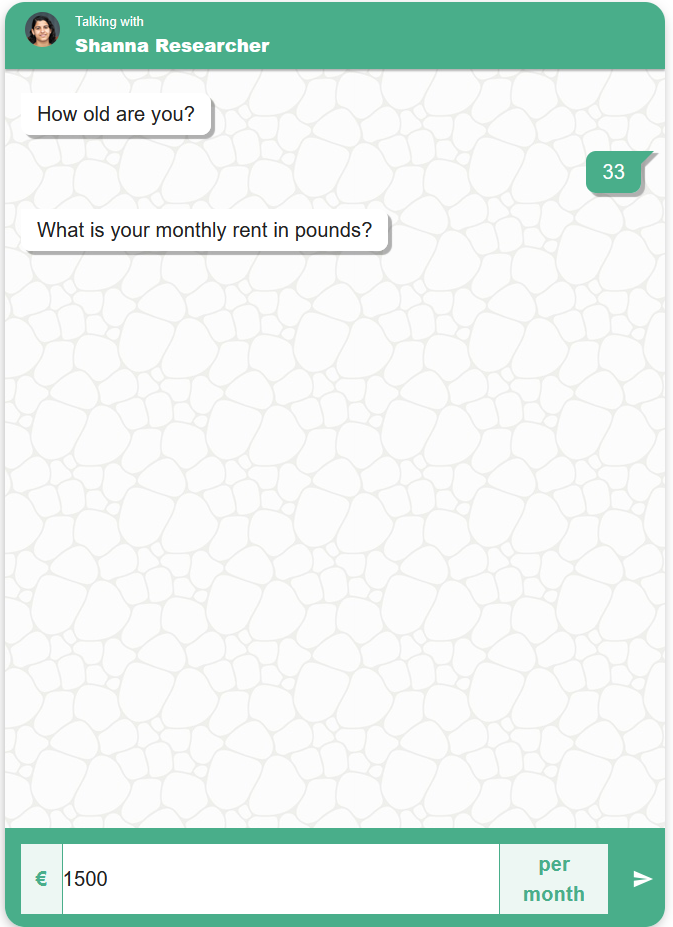
Use input_prefix and input_suffix with the default style="input" to display a currency symbol or short unit beside the input:
s.numeric_question(
"What is your monthly rent, in pounds?",
min_max=(0, 10000),
input_prefix="£",
input_suffix=" per month",
)
These are display-only labels. Entering 1200 stores the number 1200; the prefix and suffix are not part of the response and do not change numeric validation or recoding. Include the currency or unit in the question wording too, so the meaning is clear across survey channels.
Recoding Numeric Responses
Sometimes it's useful to group numeric values into labeled categories - for instance, turning income ranges into brackets like "Low", "Middle", and "High". You define a set of rules that map numeric ranges to labels. Supported formats include:
- Fixed Ranges (e.g. "0-49" → "Low")
- Percentage Ranges (e.g. "0-25%")→ Interpreted relative to a known min and max.
- Open-ended Ranges (e.g. "80+")→ Interpreted as "80 and above".
Example 1: Satisfaction Score (0-100)
_recodes = { "0-25%": "Very Dissatisfied", "25-50%": "Dissatisfied", "50-75%": "Satisfied", "75-100%": "Very Satisfied" }
This scales the numeric value based on known min/max and assigns the appropriate label.
Example 2: Age Brackets
_recodes = { "0-17": "Underage", "18-64": "Adult", "65+": "Senior" }
In this case, "65+" means any value 65 or greater gets labeled "Senior".
What If No Match?
If the value doesn't fall into any defined range, the original number is returned unchanged.