
When and Why to Use
Use this to verify the respondent's identity by phone. This adds a layer of security and is ideal for:
- High-sensitivity or confidential surveys
- Preventing duplicate responses
- Ensuring respondent authenticity for incentives or gated content
Respondents enter their phone number, receive a code by SMS, and must enter it correctly to continue.
Chat Experience
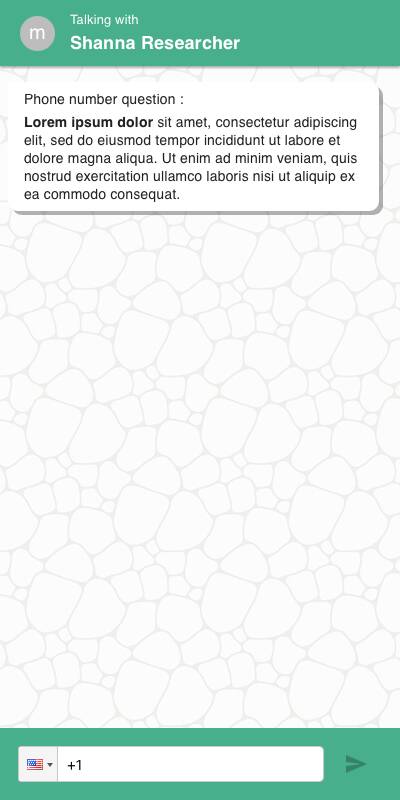
- User is prompted to enter a phone number
- Next screen prompts for the code sent to their device by SMS text message
- Failure to verify shows termination message
Traditional Experience
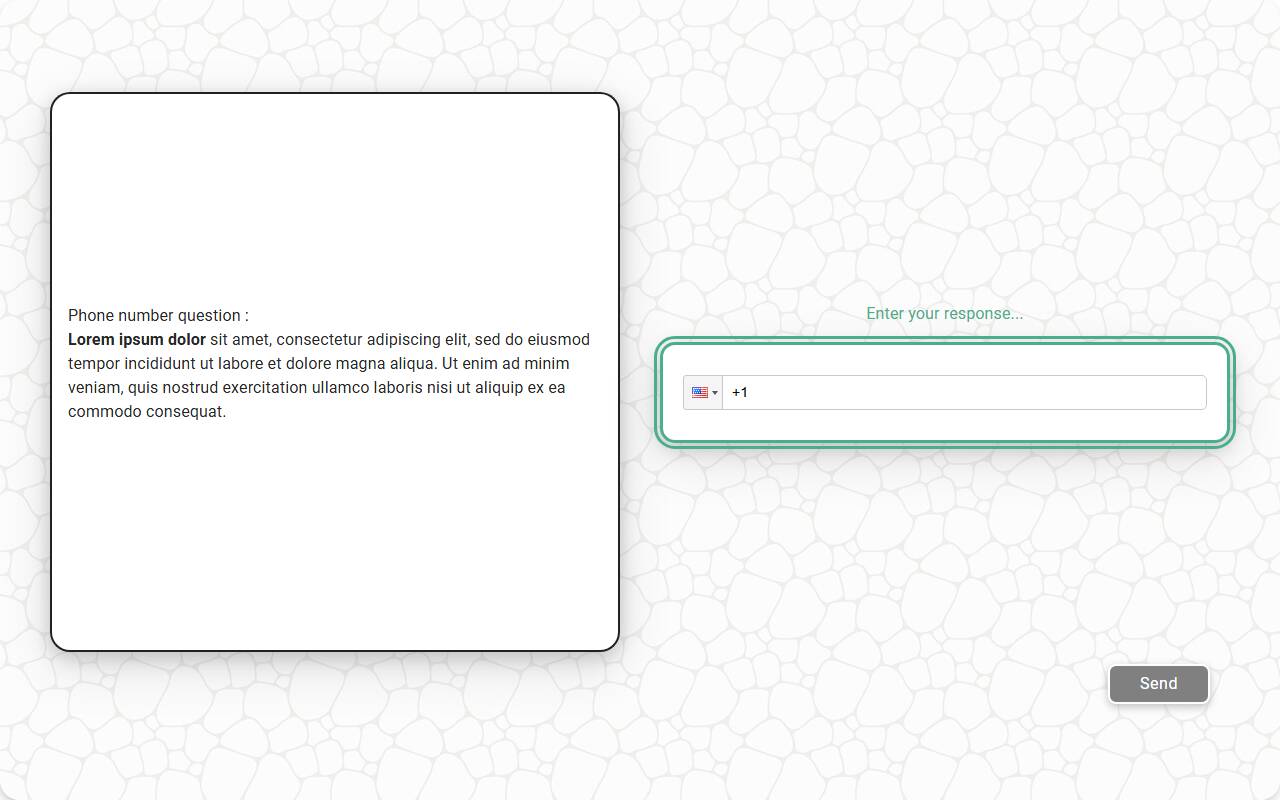
- Experience is the same as the chat experience with more screen real estate for labels and buttons
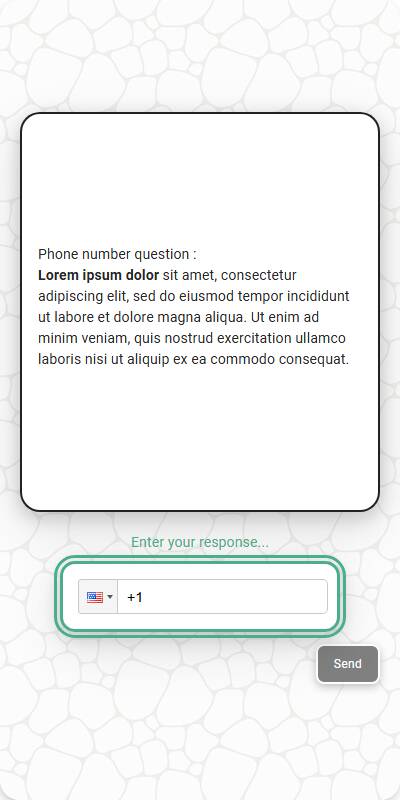
- Designed to work well across device types, including mobile and desktop
| Chat Experience | Traditional Experience | Traditional Experience, Mobile optimized |
|---|---|---|
 |  |  |
Configuration Options
| Option | Type | Required | Default | Description |
|---|---|---|---|---|
| question_1 | string | yes | - | Prompt asking for the phone number |
| question_2 | string | no | "Please enter the code we sent you." | Prompt asking for the verification code |
| termination_message | string | no | "Sorry, the code you entered was incorrect" | Message shown if verification fails |
| store_phone_number | bool | no | False | Whether to save the phone number in the response data |
| image | MediaItem | no | - | Optional image shown with the phone number question, from the s.media collection |
| image_size | tuple | no | - | Bounding box size of the image. If omitted, the default rendered size is 600x600 |
| default_country | string | no | - | Default country code for phone formatting |
| number_seconds | int | no | 0 | Seconds to wait before allowing the respondent to continue |
| id | string | no | - | Optional stable identifier prefix for this question. If not set, the question text is used |
Example Code
s.authenticate_by_phone_number( "This is a high security survey. Please enter your phone number to continue, and we'll send you a verification code." )
With custom prompts and storage:
s.authenticate_by_phone_number( question_1="Enter your mobile number to receive a code.", question_2="Type the code sent to your phone.", termination_message="That code doesn't match. Access denied.", store_phone_number=True, default_country="GB" )
Notes
- Verification is one-time and applies per survey session
- The returned response always exposes the phone number as
response.phone_numberand the one-time code asresponse.otp, so you can use them in survey logic (e.g., deduplication) regardless of thestore_phone_numbersetting - Unless
store_phone_number=True, the response text saved in the survey data is "obfuscated" — the phone number itself is not stored - Ensure this usage complies with your local data privacy regulations