Programming and report preparation
List the steps your team takes from questionnaire to report. Compare the programming effort, review steps, integrations, and manual data processing required on each platform.

For Qualtrics users
Looking for a Qualtrics alternative for your agency's surveys and trackers? See how the MX8 Labs Research Platform handles programming, QA, fielding, and reporting in a demo. Evaluate surveys and trackers while keeping wider customer or employee experience programs on your existing platform.
List the steps your team takes from questionnaire to report. Compare the programming effort, review steps, integrations, and manual data processing required on each platform.
Compare your current contract with usage-based pricing against a typical year of studies. Include sample, programming, reporting, and any service costs in both estimates.
Check the methods, export formats and support your studies require, including any downstream analysis tools that need the exported data.
Start with the blocks, branches and embedded data in your Qualtrics study. MX8 Labs automates programming, testing and report preparation from your questionnaire. Your team checks that the study requirements are represented correctly, validates the analysis and decides what the findings mean for the client.
Generate a programmed survey from your Word document, including branching, randomization, quotas, and validation, with plain-English editing and automatic translation.
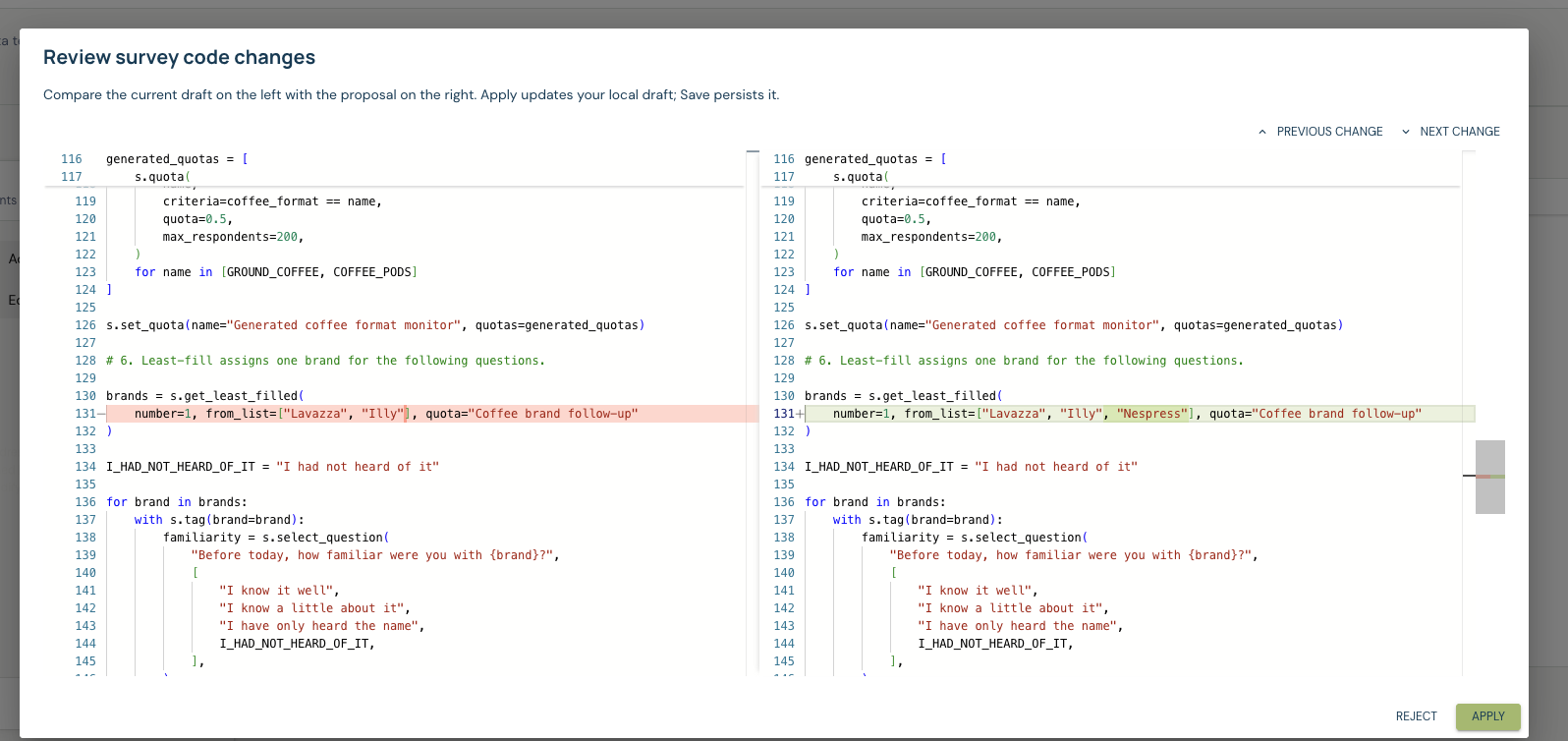
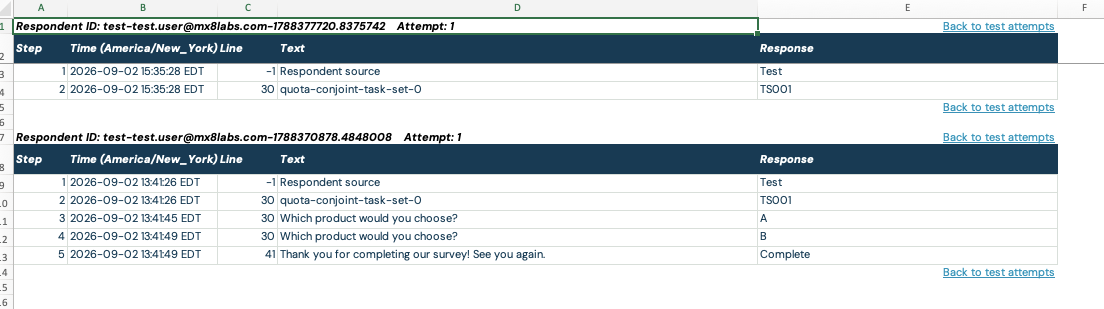
Generate simulated responses to test survey paths and use an LLM to review transcripts for logic and piping problems. Check coverage and review flagged issues before fielding.
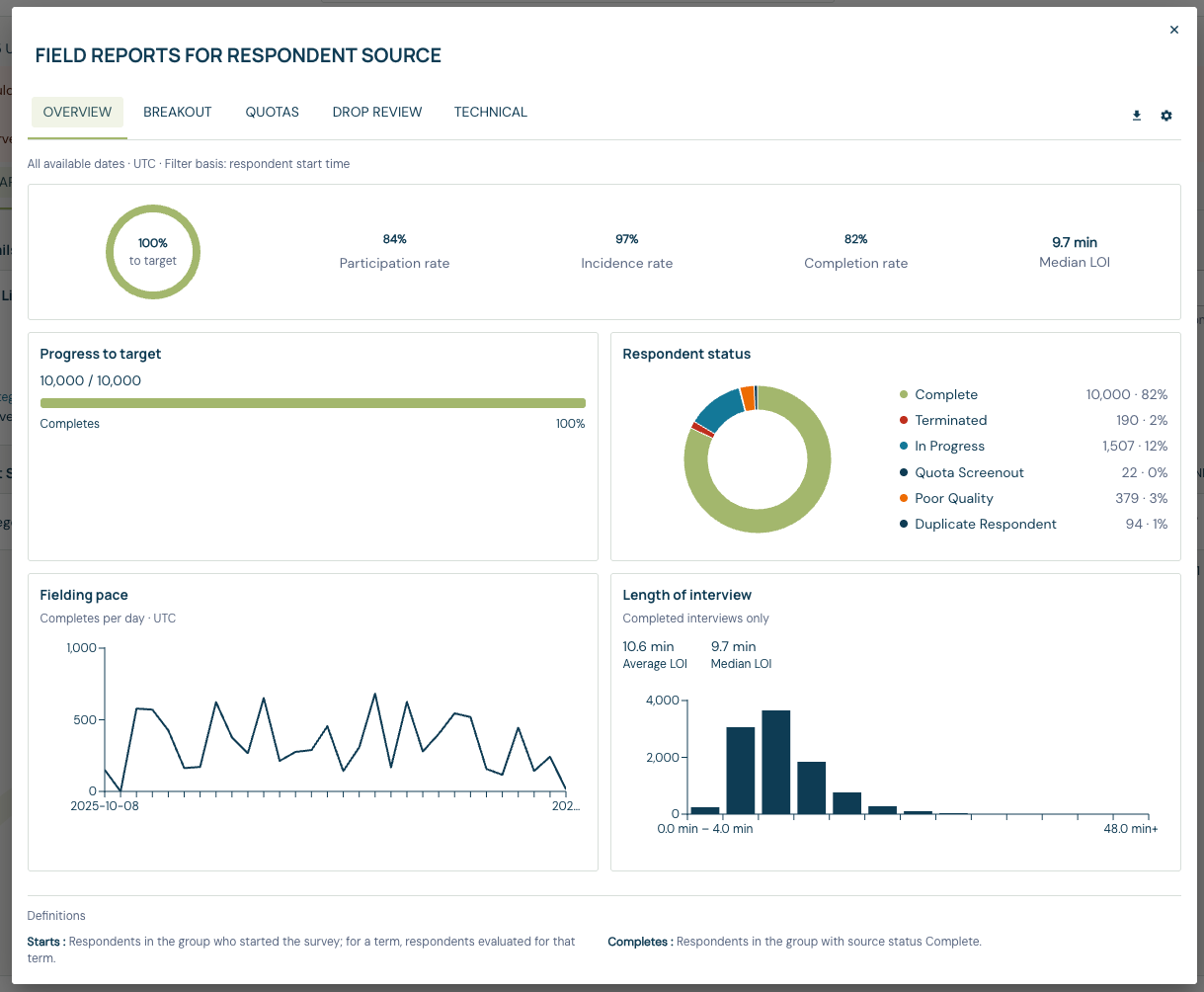
Whether your Qualtrics study recruits through panels or contact lists, specify the audience, respondent identifiers and fields your analysis needs. MX8 Labs supports integrated panels and first-party lists, with fieldwork monitoring and real-time quality checks. Review the sample composition and accepted responses against your study requirements.
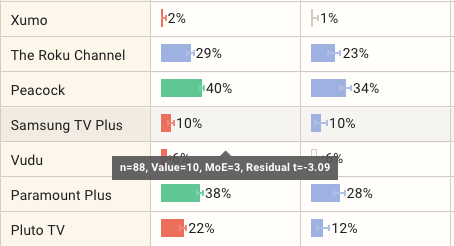
If your team uses Qualtrics Data & Analysis, Text iQ or exported files to prepare client reports, compare that process with MX8 Labs. Weighting, crosstabs and multilingual open-end coding run within the study, alongside report drafting. Export to SPSS, CSV or Excel when your analysis continues elsewhere.
Evaluate a standalone research study first. Document its Survey Flow, embedded fields and relevant integrations, then compare researcher effort, respondent data and the final report using comparable samples. Keep connected CX and EX programs in place while your agency evaluates the research production workflow.
Scope the move around the research studies you want to transfer. Our switching support covers questionnaire mapping, team onboarding and a parallel evaluation, with respondent fields, exports and integrations agreed upfront. Compare a project or annual quote with the Qualtrics capabilities your agency currently uses. See survey automation for programming, testing and report preparation.
Quotes are based on survey length and respondent count, with no seat or feature fees. Respondent sourcing and data ingestion are quoted separately.
MX8 Labs supports survey programming, QA, fielding, data processing, and reporting. It does not replace company-wide customer experience (CX) or employee experience (EX) programs. You can evaluate it for individual research studies while keeping those programs on your current platform.
Yes. Run one study alongside your current process, using the same questionnaire and sample frame. Compare timelines, costs, and outputs before moving any live work.
MX8 Labs quotes pricing around survey length and respondent count, with no per-seat or feature fees. Data ingestion, such as pixels or exposure records, is charged separately. Compare your planned study costs with your current Qualtrics contract, including sample, programming, reporting, and other service charges.
MX8 Labs supports Hierarchical Bayes conjoint, MaxDiff and brand tracking. For an existing Qualtrics project, bring the attribute definitions, task design and required outputs to the evaluation. Compare the design, analysis and deliverables before moving a running study.
Bring a questionnaire, a record of your Survey Flow and an example client report. We'll show how the MX8 Labs Research Platform handles the study and identify the fields, exports and integrations to check during a trial.