
When and Why to Use
Use this to present a video stimulus, optionally with a live dial for feedback. It's best for:
- Ad or creative testing
- Comprehension and recall studies
- Real-time sentiment capture via dial testing
Videos are DRM-protected to prevent copying or screen recording. Secure videos are watermarked for traceability, and video links are short-lived, expiring shortly after they are issued.
Other Names and Formats
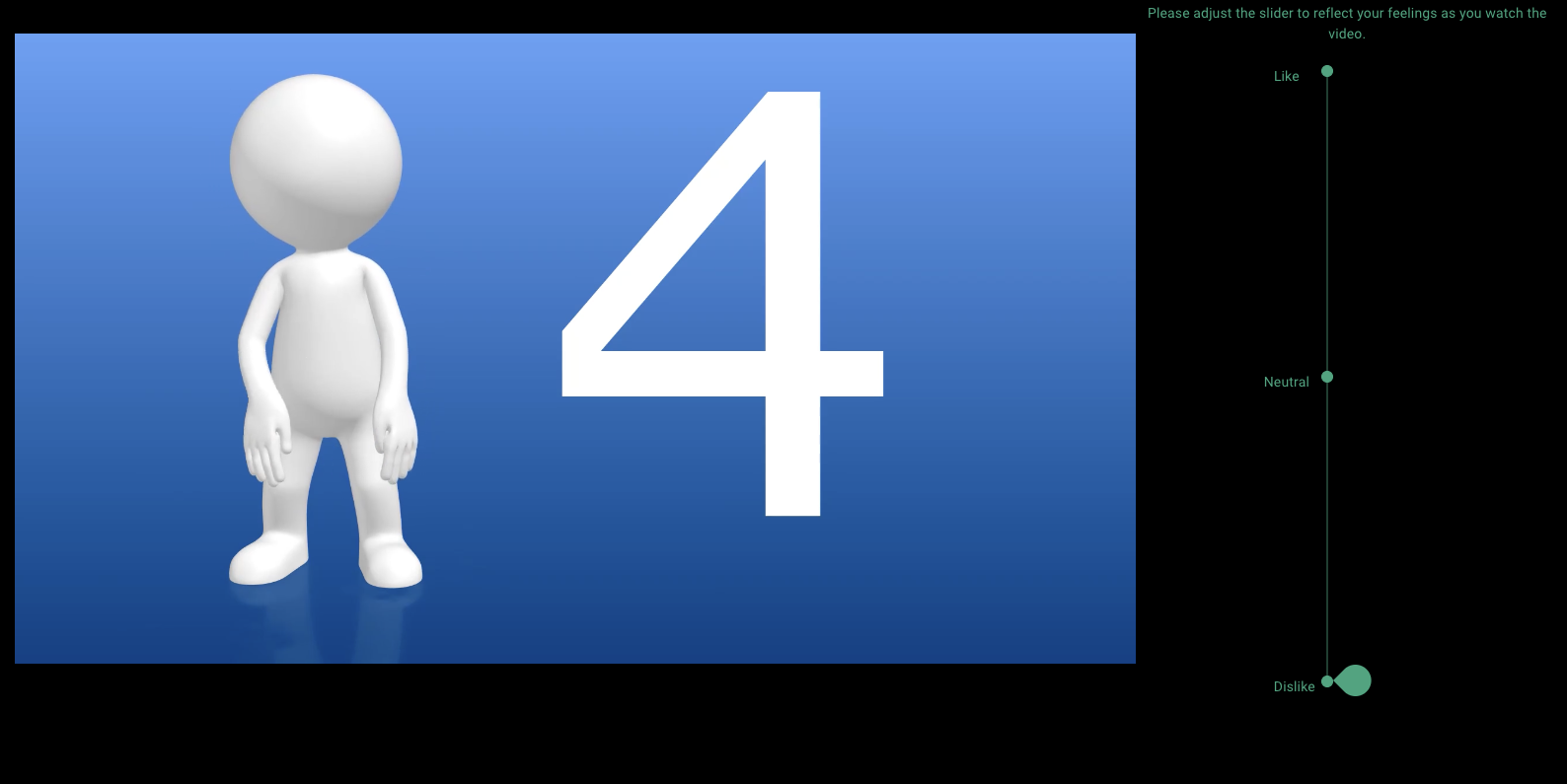
With the live dial enabled, this instrument supports dial testing, moment-to-moment rating, a video sentiment question, or continuous response measurement while respondents watch a video stimulus. The dial captures reactions throughout playback; without the dial, the instrument presents the secure video for subsequent questions.
Chat Experience
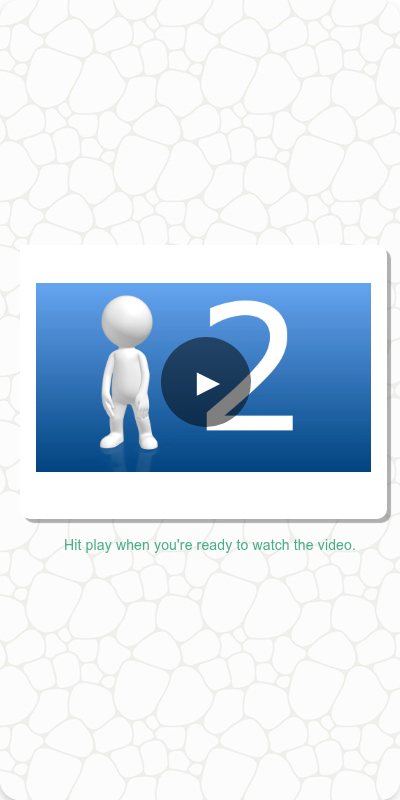
- Video fills most of the screen with start and end messages above and below
- If dial is enabled, it appears beneath or to the side depending on configuration
Traditional Experience
- Video plays fullscreen or centered
- Dial, if used, appears on the right or bottom with live interaction enabled
- Remote or keyboard users can operate playback and dial
| Traditional | Mobile optimized |
|---|---|
 |  |
Dial Testing
Set dial="right" to show the dial on the right of the video or dial="bottom" to show it below; with the default dial="none" no dial is shown. The dial defaults to a 0-100 range with the captions "Dislike", "Neutral", and "Like" — customize it with dial_labels and dial_caption. The video and dial are always displayed in full screen, if available.
Configuration Options
| Option | Type | Required | Default | Description |
|---|---|---|---|---|
video | MediaItem | yes | - | Video to play from s.media |
end_message | str | no | "Thank you for watching the video!" | Message shown after the video ends |
start_message | str | no | "Hit play when you're ready to watch the video." | Message shown before the video begins |
dial | str | no | "none" | Dial placement: "none", "right", or "bottom" |
dial_labels | dict[int, str] | no | 0-100 range labeled "Dislike", "Neutral", "Like" | Labels shown on the dial scale |
dial_caption | str | no | "Please adjust the slider to reflect your feelings as you watch the video." | Caption shown above the dial |
start_position | int | no | Midpoint of the dial labels | Starting value for the dial |
number_seconds | int | no | 0 | Seconds to wait before allowing the respondent to continue after the video |
id | str | no | - | Optional stable identifier for this question |
Example Code
from survey import Survey
s = Survey(**globals())
s.play_video(video=s.media.ad_clip)
With dial testing:
s.play_video(
video=s.media.trailer,
dial="bottom",
dial_labels={0: "Very Negative", 50: "Neutral", 100: "Very Positive"},
dial_caption="Move the slider to reflect how you're feeling during the video."
)
Notes
- All video content is DRM-protected; secure videos are watermarked for traceability
- Respondents cannot skip; playback is enforced
- Use
dialfor moment-to-moment reaction measurement - Best followed by comprehension or diagnostic questions