
When and Why to Use
Use this to capture numeric or labeled ratings across multiple items in a structured format. It's useful for:
- Performance, satisfaction, or quality ratings
- Comparing several attributes on a common scale
- Collecting fine-grained opinion data
Supports sliders, buttons, and star ratings with configurable point labels.
Other Names and Formats
A Grid Rating Question is a matrix rating scale, rating matrix, or rating-scale grid. Slider and star styles are also described as a slider list and star rating grid. With agreement labels, the grid can present a Likert matrix, Likert scale grid, or agreement matrix. Each row records a rating on the configured scale.
Chat Style
- Each row is presented individually with a rating interface (slider, star, or button)
- User can scroll vertically through rows
- Labels and anchors are shown depending on the
labelsconfig
| Button style | Slider style | Star style with an image |
|---|---|---|
 |  |  |
Traditional Experience
- Grid layout with rows as items and ratings as columns
- Ratings are input inline per row
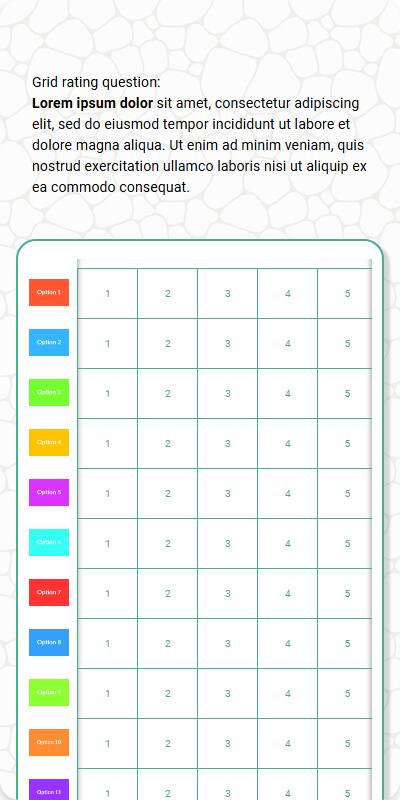
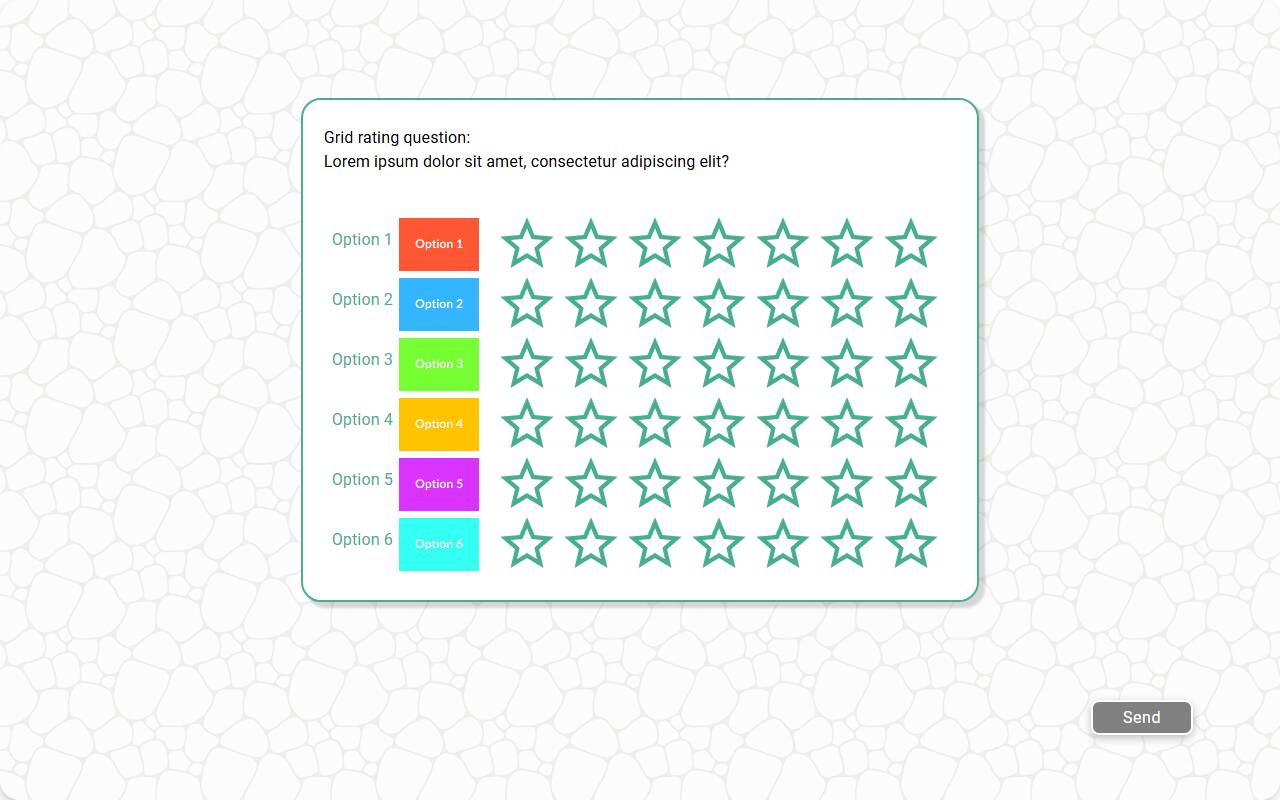
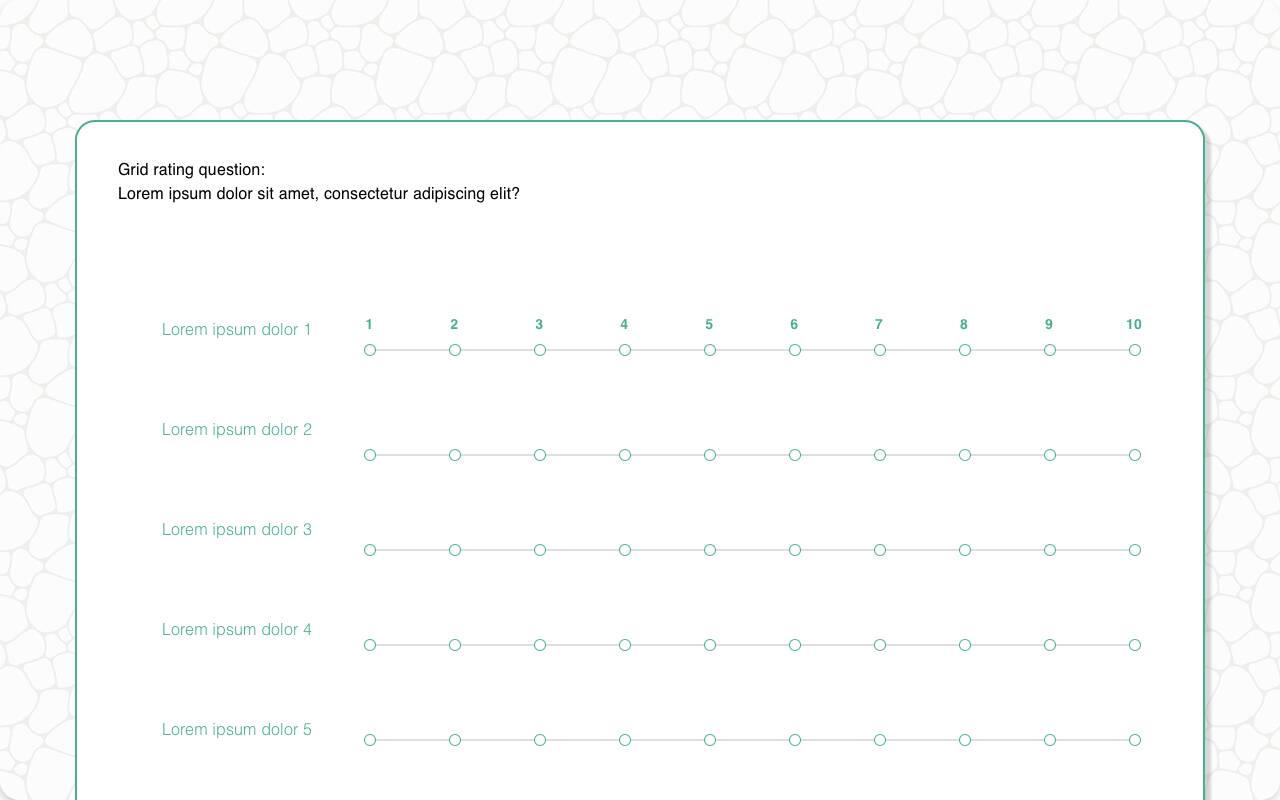
- Star and slider styles are fully supported
| Button style, mobile optimized | Star style with images | Slider style |
|---|---|---|
 |  |  |
Configuration Options
| Option | Type | Required | Default | Description |
|---|---|---|---|---|
question | string | yes | - | The prompt shown to the user |
rows | List[str | MediaItem] | yes | - | Rows to show in the grid |
row_name | string | yes | - | Used in reporting structure |
image | MediaItem | no | - | Top-level image shown above the question |
number_of_points | int | no | 5 or label count | Number of rating points; slider and button styles support 2-10 points, star style 2-5 |
first_point | int | no | 1 or first label | First point on the scale |
labels | Dict[int, str] | no | - | Custom labels for scale points |
style | string | no | slider | One of "slider", "button", or "star" |
randomize | bool | no | False | Whether to randomize row order |
recodes | Dict[str, str] | no | - | Optional recoding of rating values |
dont_know_option | str | no | "" | Optional "Don't know" option; reported with this text and stored as a sentinel value |
skip_empty | bool | no | False | Skip question if no rows provided |
default | Dict[str, int] | List[Dict[str, int]] | no | random | Test-data defaults keyed by row, or a list of candidate dictionaries — each simulated respondent picks one at random |
custom_validator | Callable[[dict[str, int | str]], str | None] | no | straight-line check | Called with the complete parsed grid in both chat and traditional experiences; Don't know rows arrive as strings. Return an error message to reject the response, or None to accept. |
image_label_field | str | no | - | Field used for row image labels |
show_image_label | bool | no | True | Show/hide row image labels |
image_size | Tuple[int, int] | no | (600, 600) | Size to render row images |
number_seconds | int | no | 0 | Seconds to wait before allowing the respondent to continue |
tags | s.tag() | no | - | For reporting and text substitution |
id | str | no | - | Optional stable identifier for this question |
Example Code
Basic usage:
s.grid_rating_question( "Please rate the following aspects of the product", rows=["Quality", "Price", "Service", "Delivery"], row_name="Product Aspect", number_of_points=5 )
With custom labels and recodes:
s.grid_rating_question( "How would you rate these aspects?", rows=["Speed", "Design"], row_name="Attribute", number_of_points=5, labels={ 1: "Very Poor", 3: "Neutral", 5: "Excellent" }, recodes={ "1": "Low", "2": "Low", "3": "Mid", "4": "High", "5": "High" } )
With star style and default values:
s.grid_rating_question( "Please rate your satisfaction with each brand", rows=["Brand A", "Brand B"], row_name="Brand", style="star", number_of_points=5, default={"Brand A": 4, "Brand B": 5} )
Notes
- Returns a
DictResponseof the collected ratings style="slider"shows an interactive scale; usebuttonfor tap options orstarfor visual flairlabelscan help orient respondents, especially on non-obvious scales- A straight-line check is applied by default — pass your own
custom_validatorto replace it