

Article
Text Highlighter Question
The text highlighter question allows respondents to mark one or more sections of a passage by selecting and highlighting text. This question type is useful for understanding which phrases, ideas, or statements stand out to respondents.
How it works
Respondents are shown a block of text. They can drag to select any portion of the text, which is then highlighted using the configured color. Multiple, non-contiguous selections are supported.
[ Screenshot placeholder ]
The survey records the exact character ranges selected by the respondent.
Survey Experience
- Supports multi-response collection if
number_of_responses> 1. - Respondents can enter several distinct answers before continuing.
- Retry logic and termination still apply per entry.
| Traditional Experience | Traditional Mobile Optimized | Chat Experience |
|---|---|---|
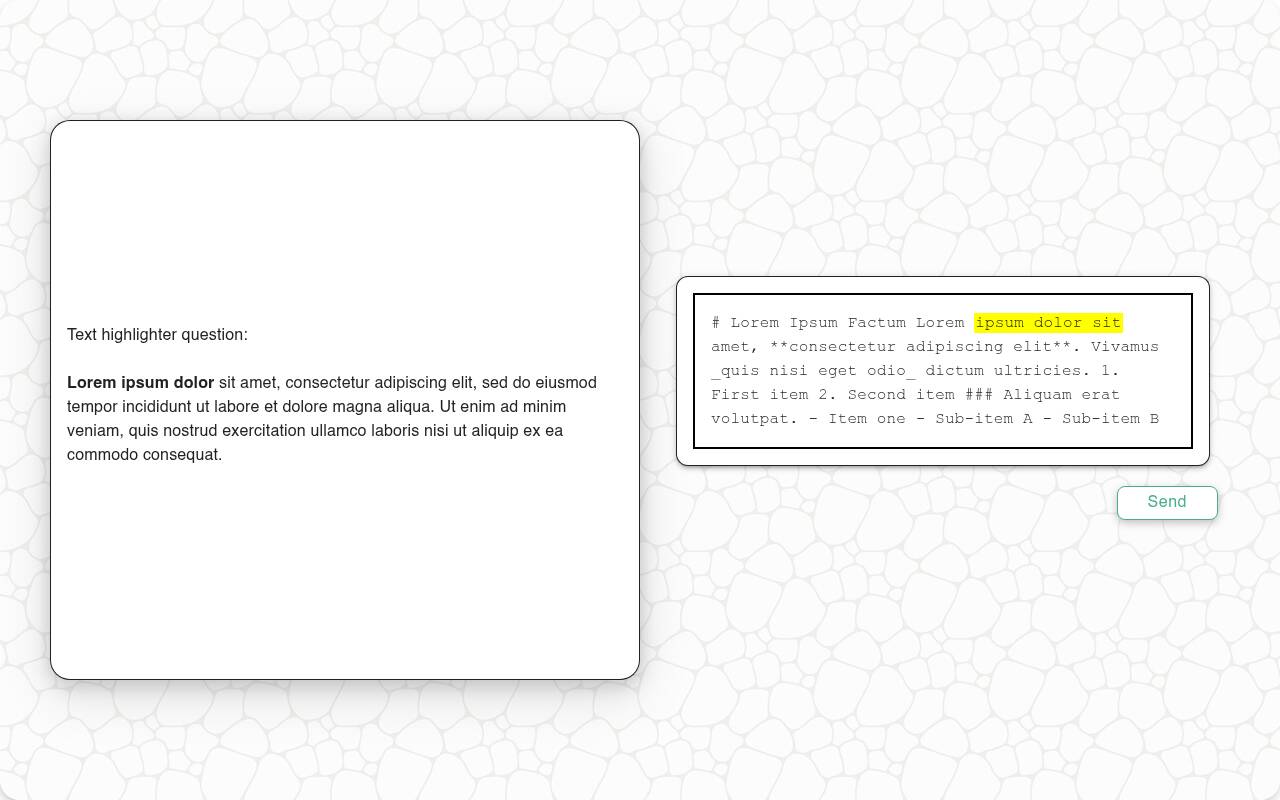 | 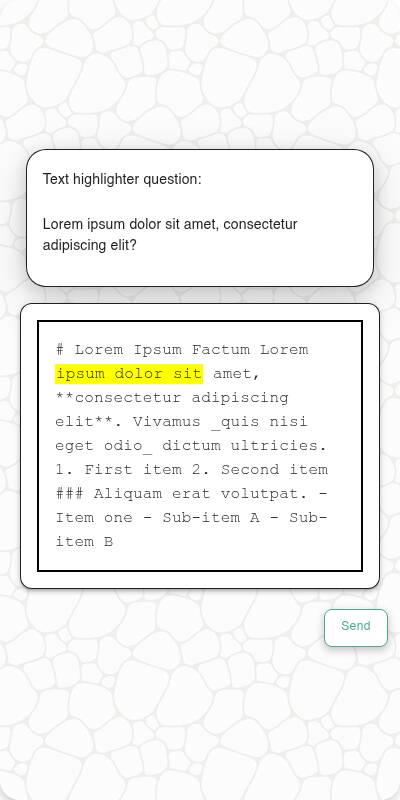 | 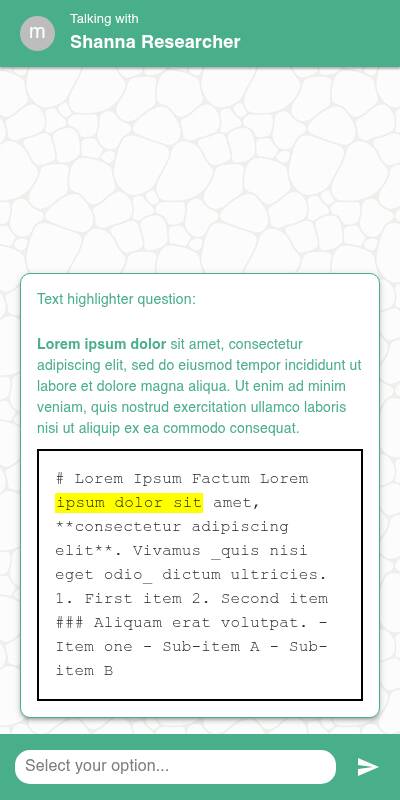 |
Configuration Options
| Option | Type | Required | Default | Description |
|---|---|---|---|---|
question | string | yes | - | The prompt shown to the user |
text_to_highligh | string | yes | - | The text from which respondents can select and highlight portions |
default | string or list | no | random string | Default value(s) for test data |
color | string | no | #FFFF00 (yellow) | Hex value defining the highlight color |
tags | s.tag() | no | - | Used to fill tokens in text and group questions in reports |
Example Code
from survey import Survey
s = Survey(**globals())

s.text_highlighter_question(
    "Please highlight the parts of the following text that you find most interesting:",
    text_to_highlight="The quick brown fox jumps over the lazy dog."
)