

Article
Show Image
When and Why to Use
Use this to present an image for a limited amount of time. Best suited for:
- Passive exposure to stimuli before a follow-up question
- Advertising or concept testing with controlled viewing duration
- Attention or memory-based experiments
This function does not collect a direct response, but it can be followed immediately by a related question.
Chat Experience
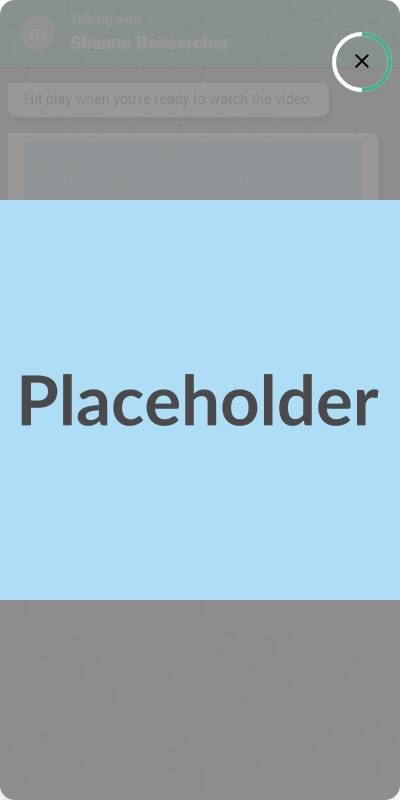
- Image is shown full-width with no user interaction allowed
- A countdown may be visible or implicit, depending on platform settings
- After the timer expires, the survey auto-advances to the next screen
Traditional Experience
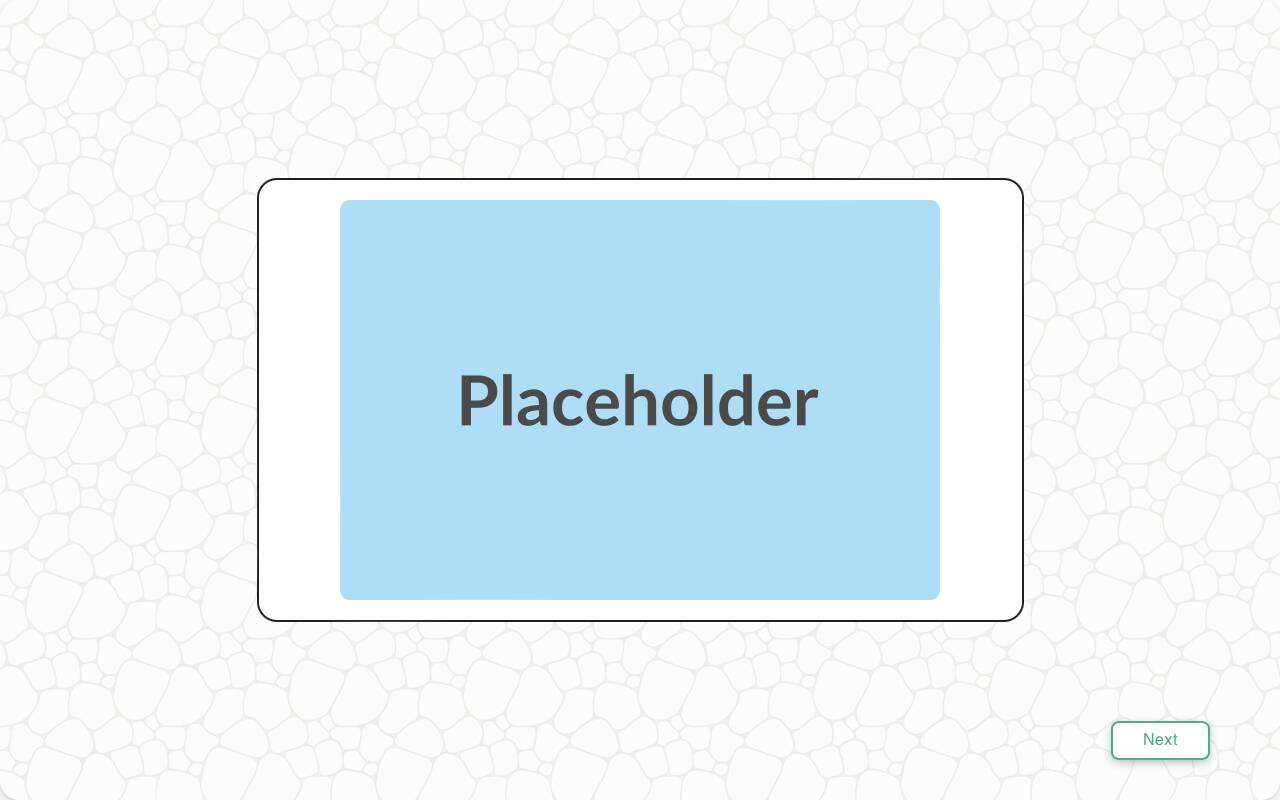
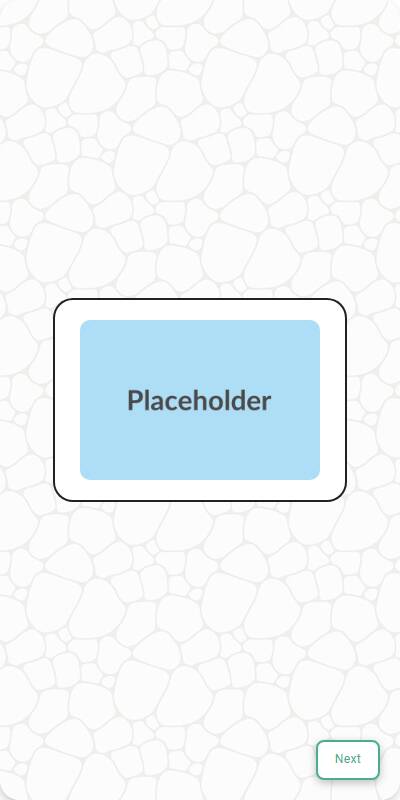
- Image is centered with padding or fills the screen depending on image size
- Suitable for remote-based navigation; no buttons or interaction during display
| Chat experience | Traditional experience | Traditional experience on Mobile |
|---|---|---|
 |  |  |
Configuration Options
| Option | Type | Required | Default | Description |
|---|---|---|---|---|
image | MediaItem | yes | - | Image to display from the s.media collection |
number_seconds | int | no | 5 | How long to display the image before auto-advancing |
Example Code
from survey import Survey s = Survey(**globals()) for media in s.media: s.show_image( image=media, number_seconds=5 )
Notes
- This question does not collect input — it's purely for presentation
- Best followed by a comprehension, recall, or perception question
- You can pair this with
text_questionorselect_questionto assess reaction to the image - Consider limiting to 3–7 seconds for most attention-based use cases