

Article
Show Embedded Content
When and Why to Use
Use this to embed third-party content—currently only YouTube videos—within your survey. This is ideal for:
- Testing reactions to public video content
- Presenting branded content hosted externally
- Gating progression until content has been viewed for a set time
Chat Style
- Video is centered with the prompt text above
- A countdown prevents the user from continuing until the specified duration has passed
Traditional Style
- Layout shifts to embed the video more prominently
- Countdown behavior is the same
- Works with both mobile and remote input interfaces
| Chat style | Traditional | Traditional - mobile |
|---|---|---|
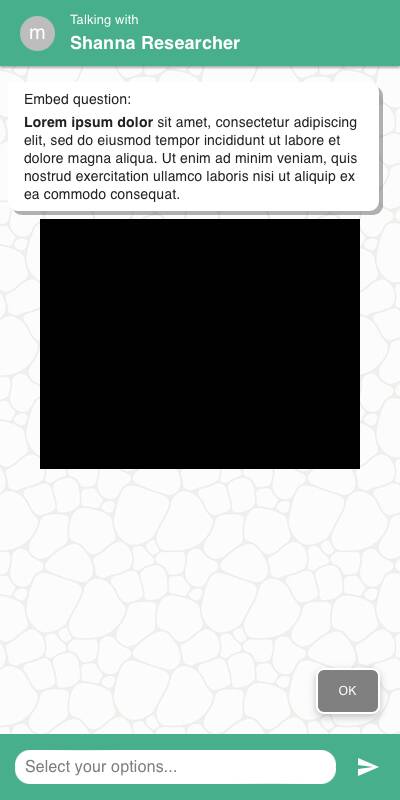 | 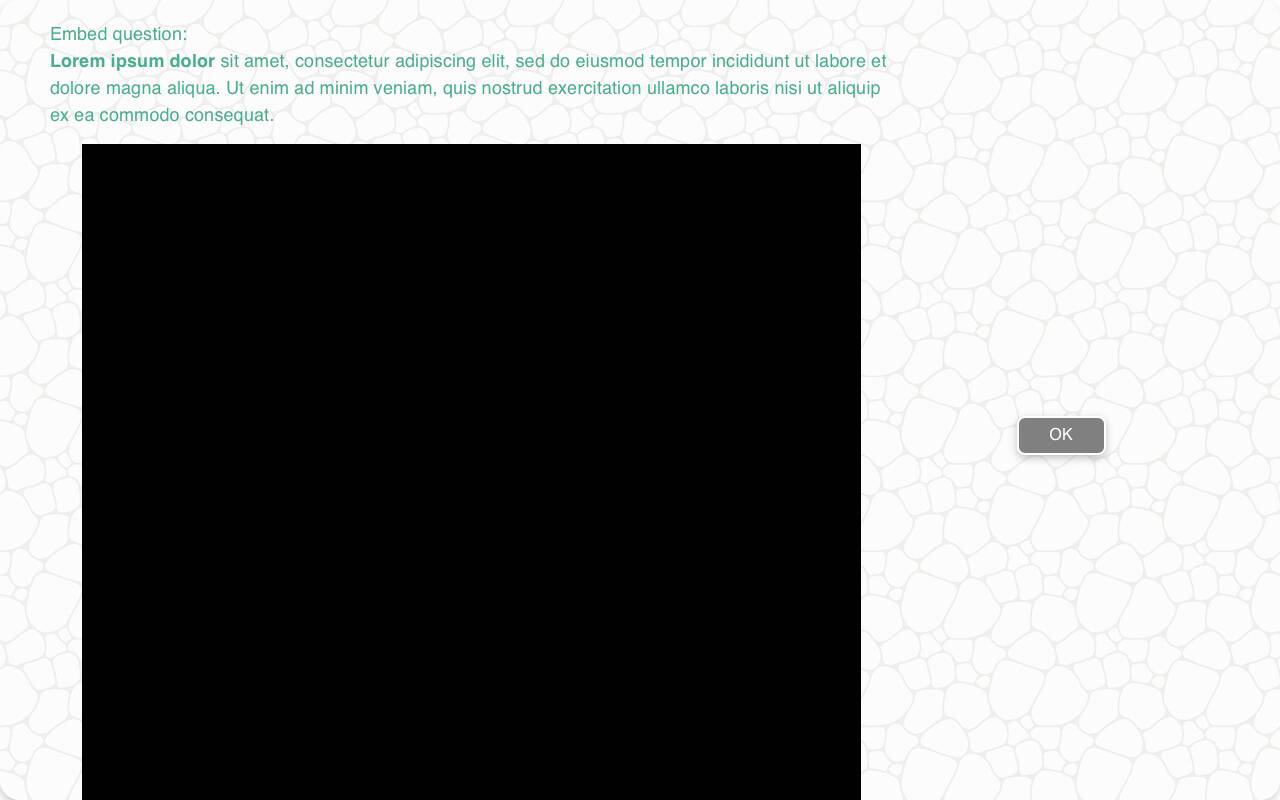 | 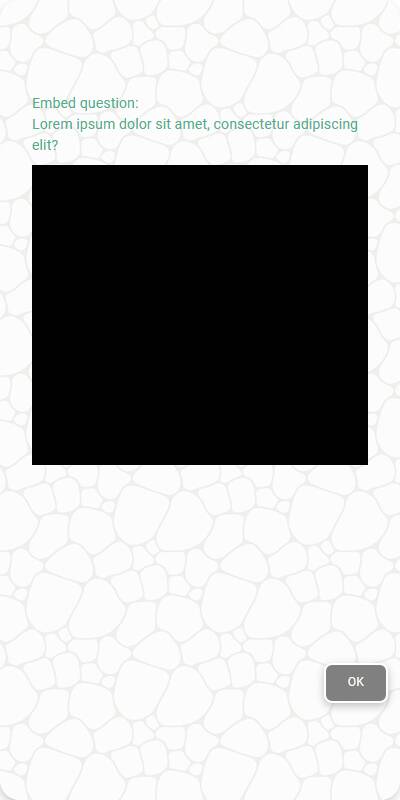 |
Configuration Options
| Option | Type | Required | Description |
|---|---|---|---|
question | string | yes | Prompt or instruction to show above the embedded content |
url | string | yes | YouTube video URL to embed |
duration | int | yes | Number of seconds to lock the screen before advancing |
tags | s.tag() | no | Used in token substitution and reporting |
Example Code
from survey import Survey s = Survey(**globals()) s.embed_content( "Watch this video", url="https://www.youtube.com/watch?v=2gcsgfzqN8k", duration=231 )
Notes
- Only YouTube URLs are supported at this time
- Users cannot skip ahead; the continue button appears only after the timer expires
- Use in combination with follow-up questions to assess recall, sentiment, or comprehension