

Article
Select Question
When and Why to Use
Use this when you need a single-select multiple-choice question. It's suitable for:
- Categorical data collection (e.g. gender, preferences, ratings)
- Recoding responses into other groupings
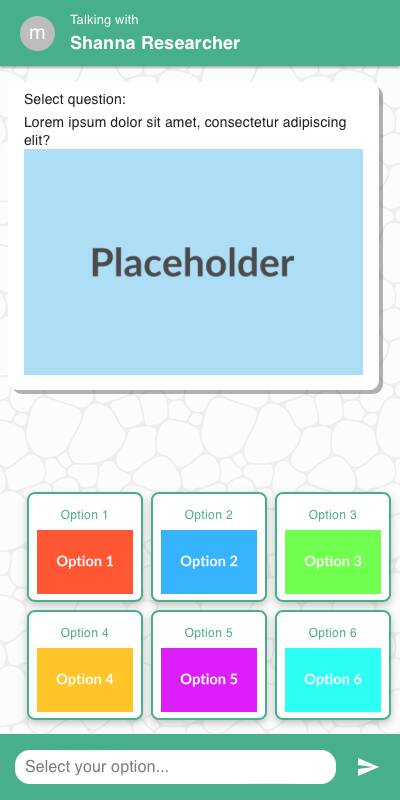
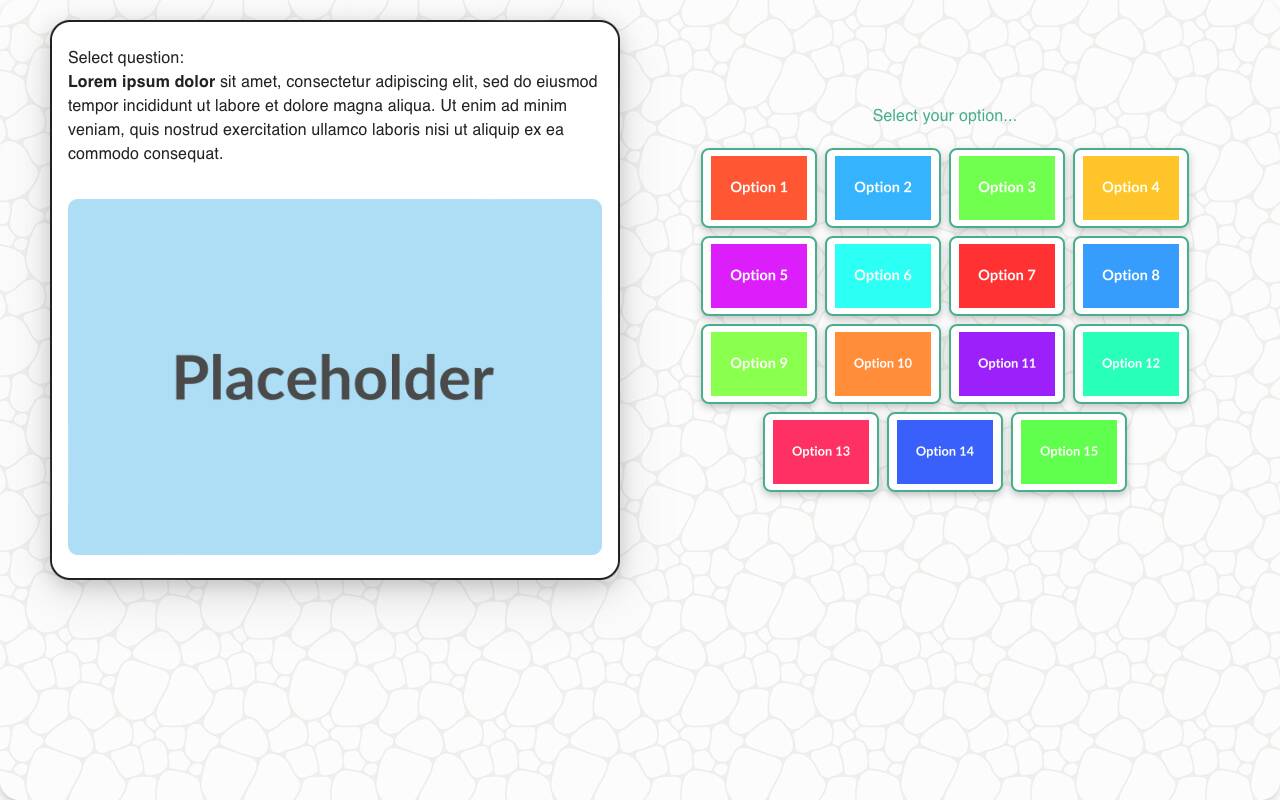
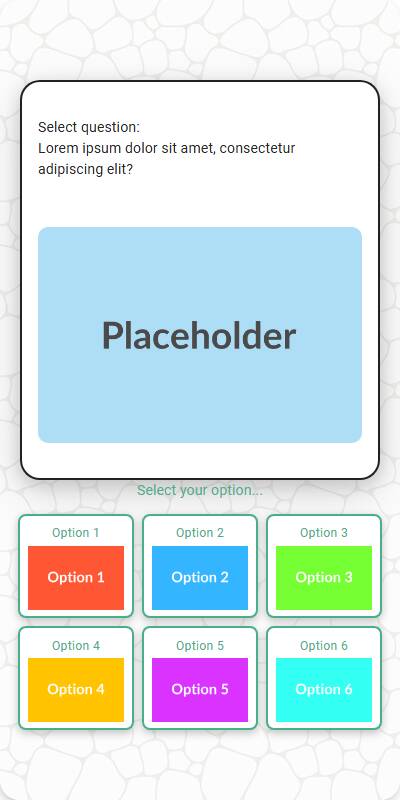
- Displaying image-based choices
- Allowing "Other (please specify)" options
Supports randomization, disabling options, and custom input.
Chat Experience
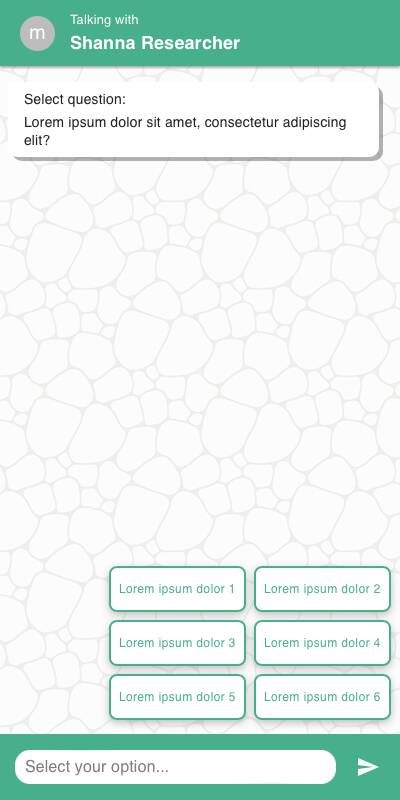
- Options appear as buttons or image tiles depending on input.
- If
specify_optionis set, an input field appears when selected. - Disabled options appear grayed out and cannot be selected.
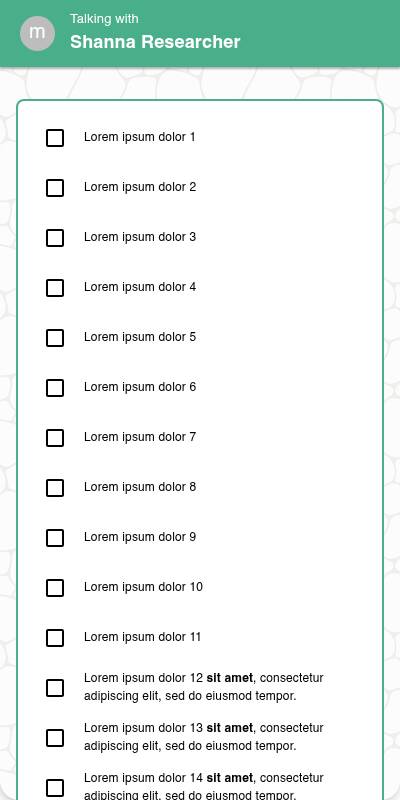
| With images | Without images | List style |
|---|---|---|
 |  |  |
Traditional Experience
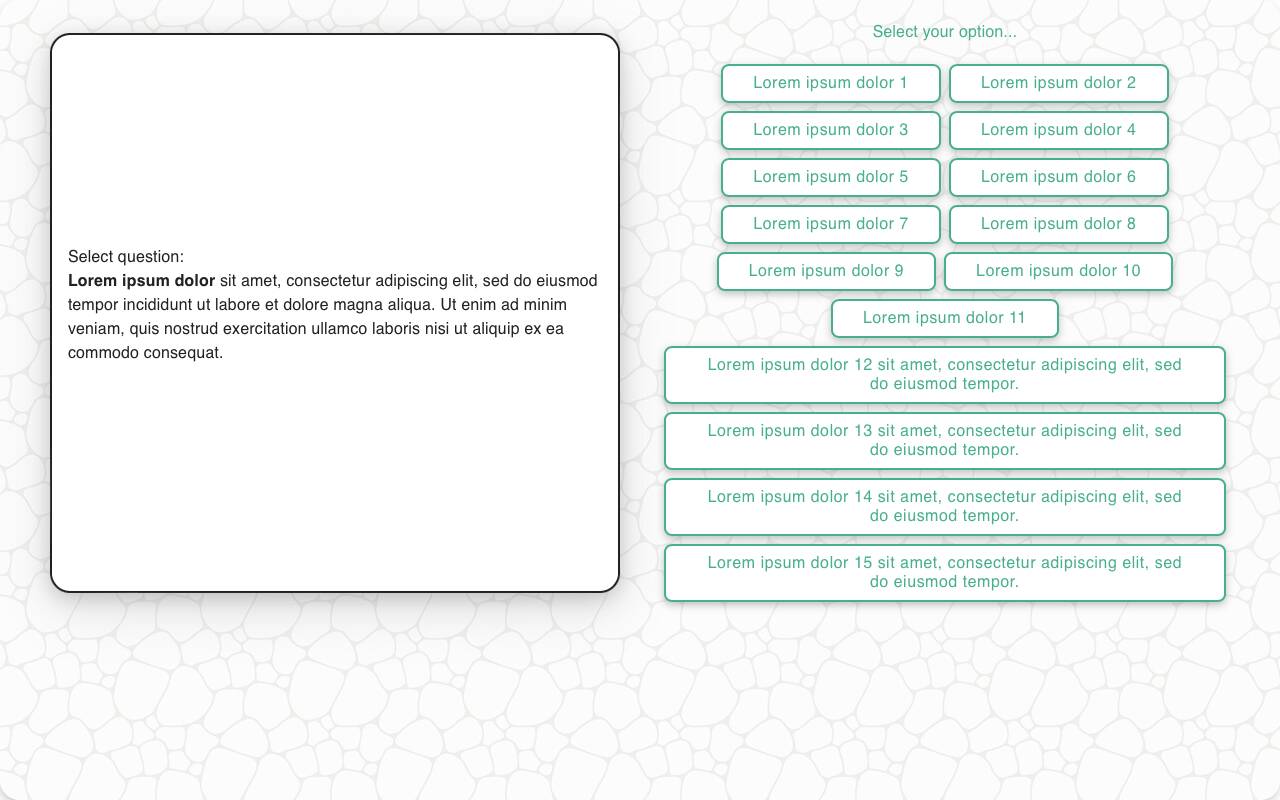
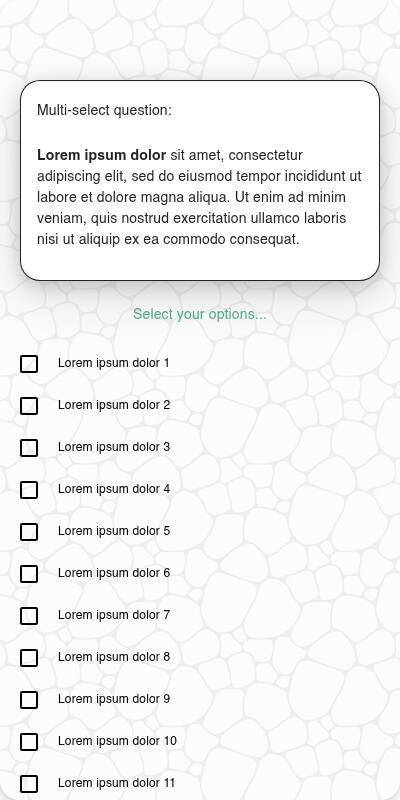
- Layout may adjust to grid view or left-right image-plus-label design.
- Keyboard/remote navigation highlights each choice.
- Specify input field appears inline or in modal depending on UI.
| With images | Without images | Mobile optimized List style | Mobile Optimized |
|---|---|---|---|
 |  |  |  |
Configuration Options
| Option | Type | Required | Default | Description |
|---|---|---|---|---|
question | string | yes | - | The prompt shown to the user |
options | `List[str | MediaItem]` | yes | - |
| style | Literal['button', 'list'] | no | button for short lists/questions and list for longer ones. | The style to use, either a list or a button. |
image | MediaItem | no | - | Image shown above the question |
randomize | bool | no | False | Shuffle options (except fixed ones) |
fixed_options | List[str] | no | - | Options that remain in place even when randomizing |
disabled_options | List[str] | no | - | Options to gray out/disable |
specify_option | str | no | - | Adds an "Other" option requiring input |
specify_text | str | no | "Please specify" | Prompt shown with specify_option |
default | str | no | random choice | Test data default |
recodes | Dict[str, str] | no | - | Maps response(s) to grouped value(s) |
custom_validator | `Callable[[str], str | None]` | no | - |
skip_empty | bool | no | False | If True, skips the question when no options available |
image_label_field | str | no | - | Field used to label image options from media items |
show_image_label | bool | no | True | Whether to show labels with image tiles |
image_size | Tuple[int, int] | no | - | Pixel bounding box for rendering image options |
tags | s.tag() | no | - | Replaces tokens in question and groups results in reports |
Example Code
Basic usage:
s.select_question("What is your gender?", options=["Male", "Female", "Non-Binary"])
With disabled and specify:
s.select_question( "What did you enjoy most?", options=["Service", "Price", "Speed"], disabled_options=["Speed"], specify_option="Other", specify_text="Tell us what else you enjoyed" )
With custom validator:
s.select_question( "Which brand do you trust the most?", options=["Brand A", "Brand B", "Brand C"], custom_validator=lambda x: "Are you sure you meant Sleepy Cows?" if x == "Sleepy Cows" else None )
Notes
randomizehelps reduce bias, especially in brand lists.- Use
fixed_optionsto keep options like "None of the above" in place. specify_optionis useful for letting users add their own answers.- Recoding allows multiple options to be grouped into analysis buckets.