

Article
Ranking Question
When and Why to Use
Use this when you want respondents to rank a list of items in order of preference, importance, or relevance. Ideal for:
- Brand or product preference
- Feature prioritization
- Behavioral comparisons (e.g. activities, habits)
Supports optional min/max number of items to rank, media options, and custom recoding.
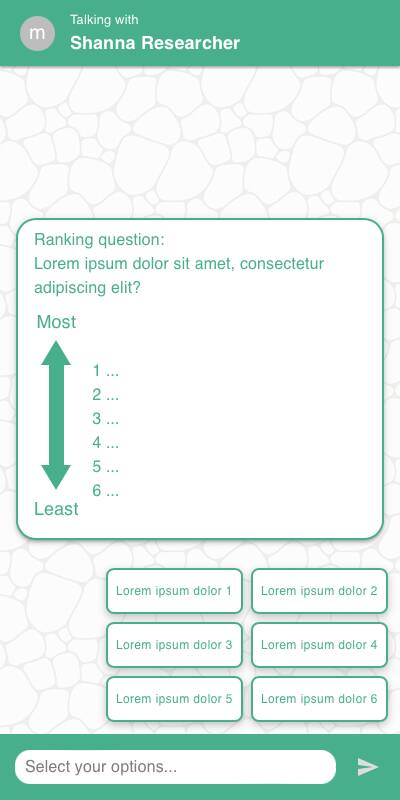
Chat Experience
- Drag-and-drop or tap-to-rank UI depending on
style - Labels for top and bottom ranks shown as anchors
- Optional "Don't know" button shown below options
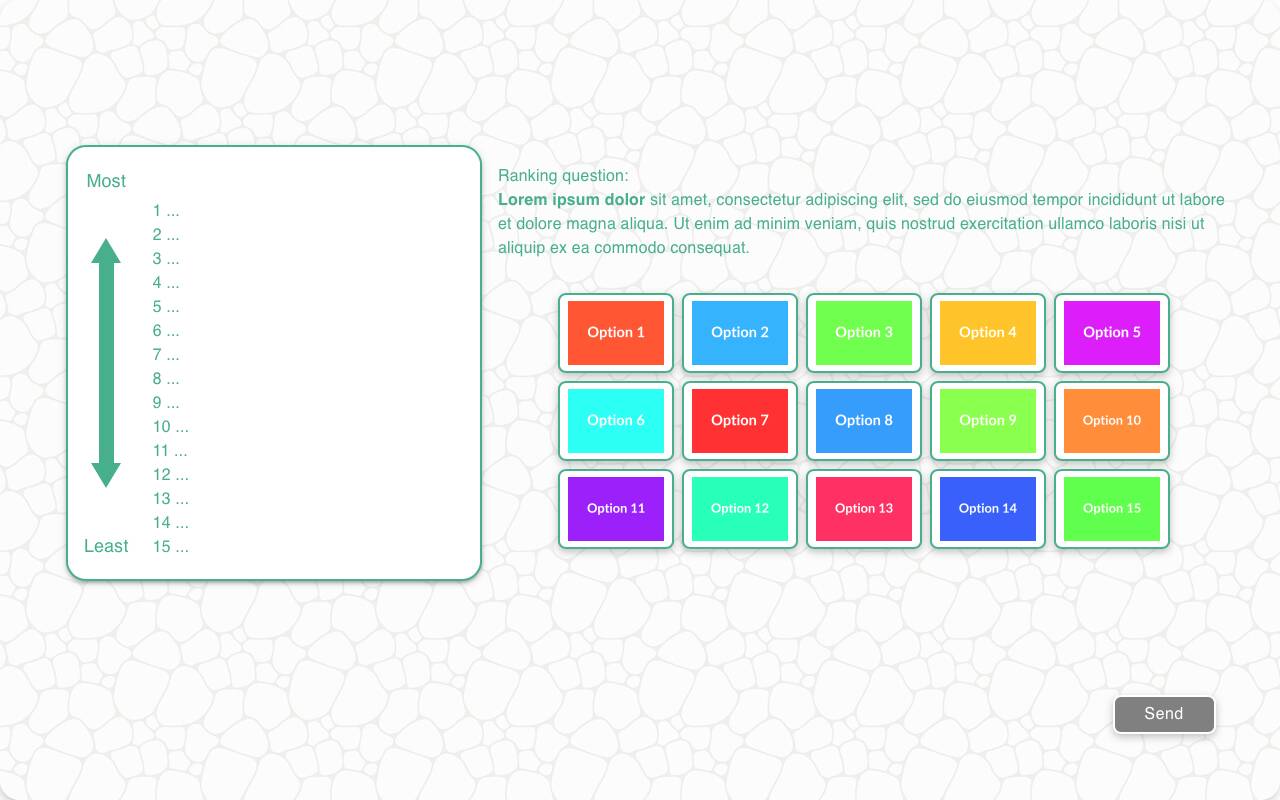
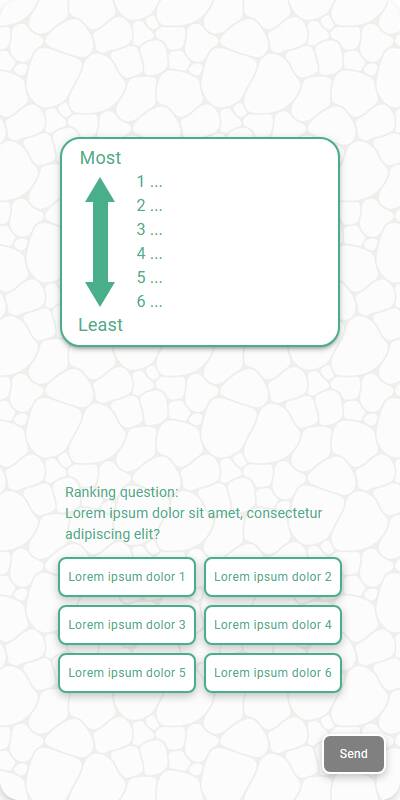
Traditional Experience
- Grid or stacked ranking interaction optimized for larger viewports
- Buttons are laid out clearly with visual feedback on order
| Chat experience | Traditional Experience with images | Traditional, mobile optimized, without images |
|---|---|---|
 |  |  |
Configuration Options
| Option | Type | Required | Default | Description |
|---|---|---|---|---|
question | string | yes | - | Text shown above the ranking list |
options | List[str|MediaItem] | yes | - | |
| style | Literal['button', 'list'] | no | button for short lists/questions and list for longer ones. | The style to display the options in. |
min_options | int | no | all | Minimum number of items user must rank |
max_options | int | no | all | Maximum number of items user may rank |
labels | Tuple[str, str] | no | ("Least", "Most") | Anchors for bottom/top of the ranking |
randomize | bool | no | False | Shuffle item order |
fixed_options | List[str] | no | - | Items that should not be shuffled |
default | List[str] | no | random | Test-mode ranking order |
recodes | Dict[str, str] | no | - | Map items to alternative codes for reporting |
dont_know_option | str | no | - | Adds a "Don't know" option with this label |
custom_validator | `Callable[[List[str]], str | None]` | no | - |
skip_empty | bool | no | False | Skip if no items to rank |
image_label_field | str | no | - | Label to use for image-based items |
show_image_label | bool | no | True | Whether to show labels with images |
image_size | Tuple[int, int] | no | - | Size of image tiles |
tags | s.tag() | no | - | Used for token repla |