

Article
Number Question
When and Why to Use
Use this when you need a numeric input within a defined range. It's best for:
- Age, year, count, or frequency questions
- Questions that require range-based recoding (e.g. age bands)
- Validating attention checks with specific values
Supports optional recoding and validation logic.
Chat Experience
- Respondent is shown a numeric input with increment/decrement buttons.
- Range boundaries are visible.
- If input is outside the range or invalid, an error message appears inline.
| With an image | Without an image |
|---|---|
 |  |
Traditional Experience
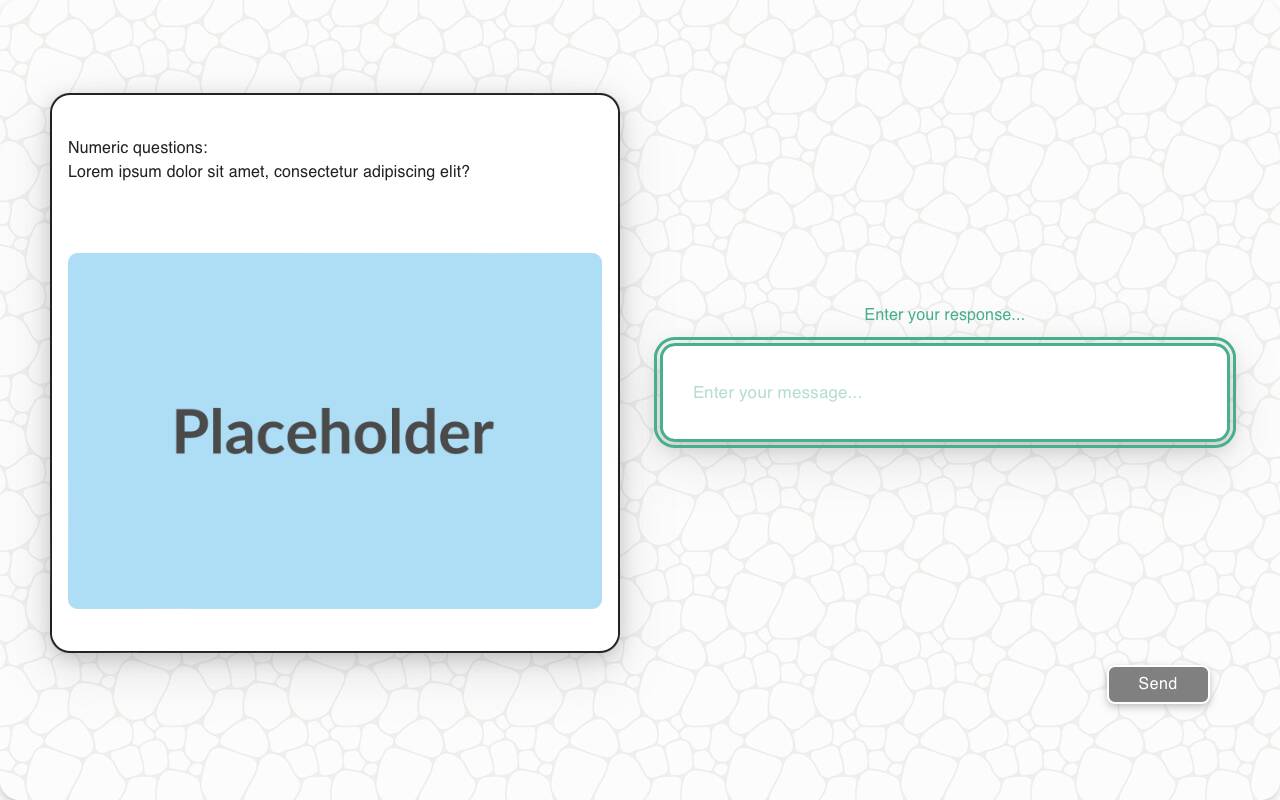
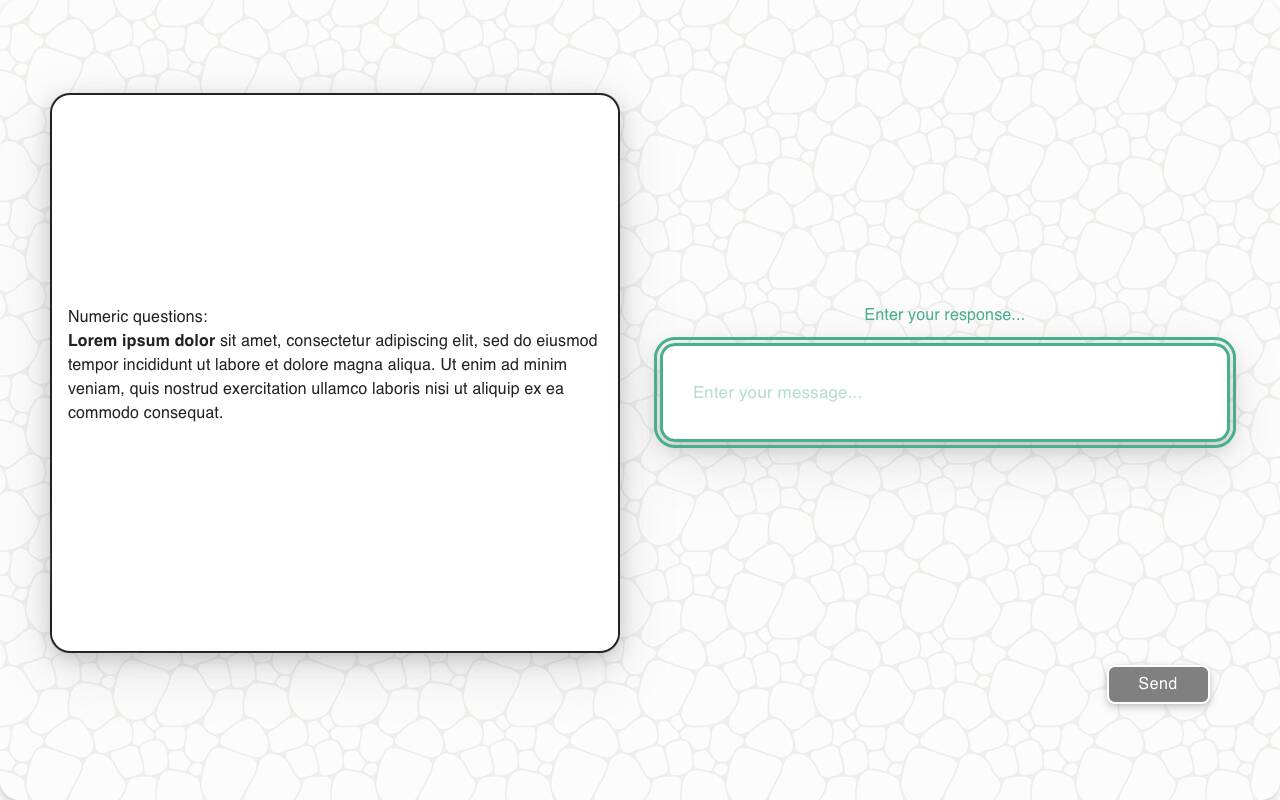
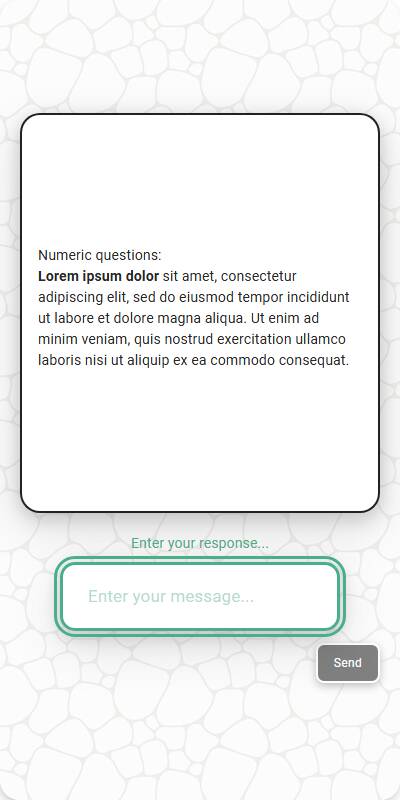
- Same as chat, but with more space for contextual text or images.
- Navigation and focus-friendly for web-based interactions.
| With an image | With markdown | Mobile optimized |
|---|---|---|
 |  |  |
Configuration Options
| Option | Type | Required | Default | Description |
|---|---|---|---|---|
question | string | yes | - | The prompt shown to the user |
image | MediaItem | no | - | Optional image from s.media |
min_max | Tuple[int, int] | no | (1, 100) | The valid numeric range for answers |
default | string | no | random between range | Default test data for QA |
recodes | dict[str, str] | no | - | Map ranges or percentages to buckets |
custom_validator | `Callable[[str], str | None]` | no | - |
tags | s.tag() | no | - | Used to fill tokens in text and for reporting groupings |
Example Code
Simple numeric:
s.numeric_question("What year were you born in?", min_max=(1900, 2024))
With recodes:
s.numeric_question( "How old are you?", min_max=(18, 100), recodes={ "18-25": "18-25", "26-54": "26-54", "55-74": "55-74", "75-100": "75+" } )
With percentage-based recodes:
s.numeric_question( "How many times have you visited our website?", min_max=(0, 100), recodes={ "0-30%": "Low", "31-70%": "Medium", "71-100%": "High" } )
With custom validator:
s.numeric_question( "How old are you?", min_max=(0, 120), custom_validator=lambda x: "Are you sure that you're 150 years old?" if x > 150 else None )
Recoding Numeric Responses
Sometimes it’s useful to group numeric values into labeled categories — for instance, turning income ranges into brackets like “Low”, “Middle”, and “High”. You define a set of rules that map numeric ranges to labels. Supported formats include:
- Fixed Ranges (e.g. "0-49" → "Low")
- Percentage Ranges (e.g. "0-25%")→ Interpreted relative to a known min and max.
- Open-ended Ranges (e.g. "80+")→ Interpreted as “80 and above”.
Example 1: Satisfaction Score (0–100)
_recodes = { "0-25%": "Very Dissatisfied", "25-50%": "Dissatisfied", "50-75%": "Satisfied", "75-100%": "Very Satisfied" }
This scales the numeric value based on known min/max and assigns the appropriate label.
Example 2: Age Brackets
_recodes = { "0-17": "Underage", "18-64": "Adult", "65+": "Senior" }
In this case, "65+" means any value 65 or greater gets labeled "Senior".
What If No Match?
If the value doesn’t fall into any defined range, the original number is returned unchanged.