

Article
Multi Select Question
When and Why to Use
Use this when the respondent can select more than one option. Ideal for:
-
Attitudes, experiences, or features that apply in parallel
-
“Select all that apply” questions
-
Showing both fixed and exclusive choices (e.g. “None of the above”)
Supports image-based choices, randomization, “Other (specify)”, and recodes.
Chat Experience
-
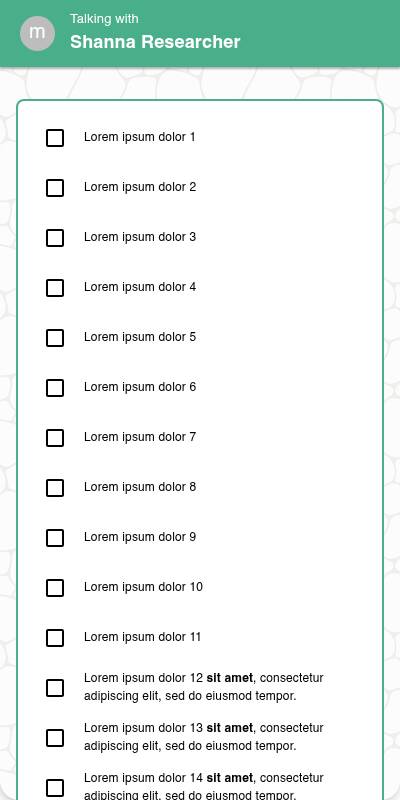
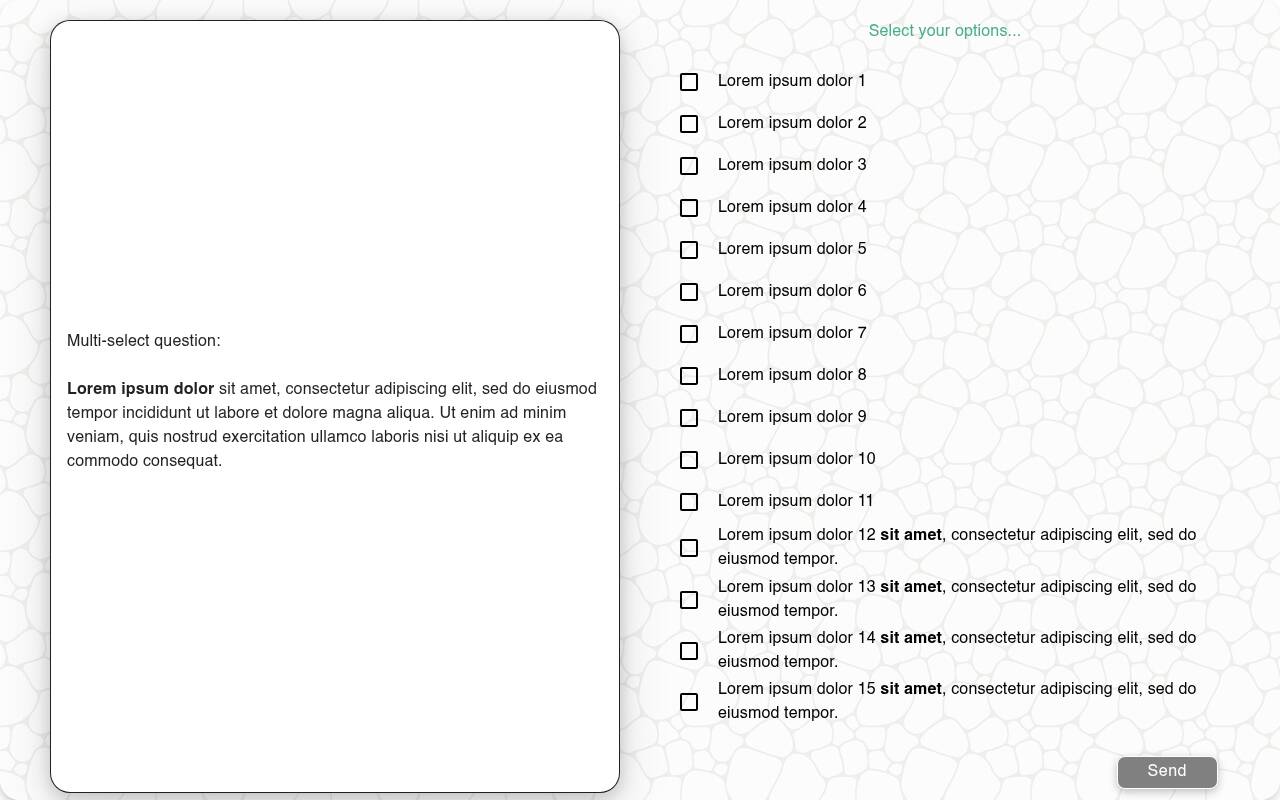
Options shown as checkboxes or tap-to-select tiles.
-
If max_options is set, selection becomes disabled once the limit is reached.
-
Exclusive options deselect others when tapped.
-
Specify input appears inline below the selected “Other” option.
| Without images | With images | List style |
|---|---|---|
 |  |  |
Traditional Experience
-
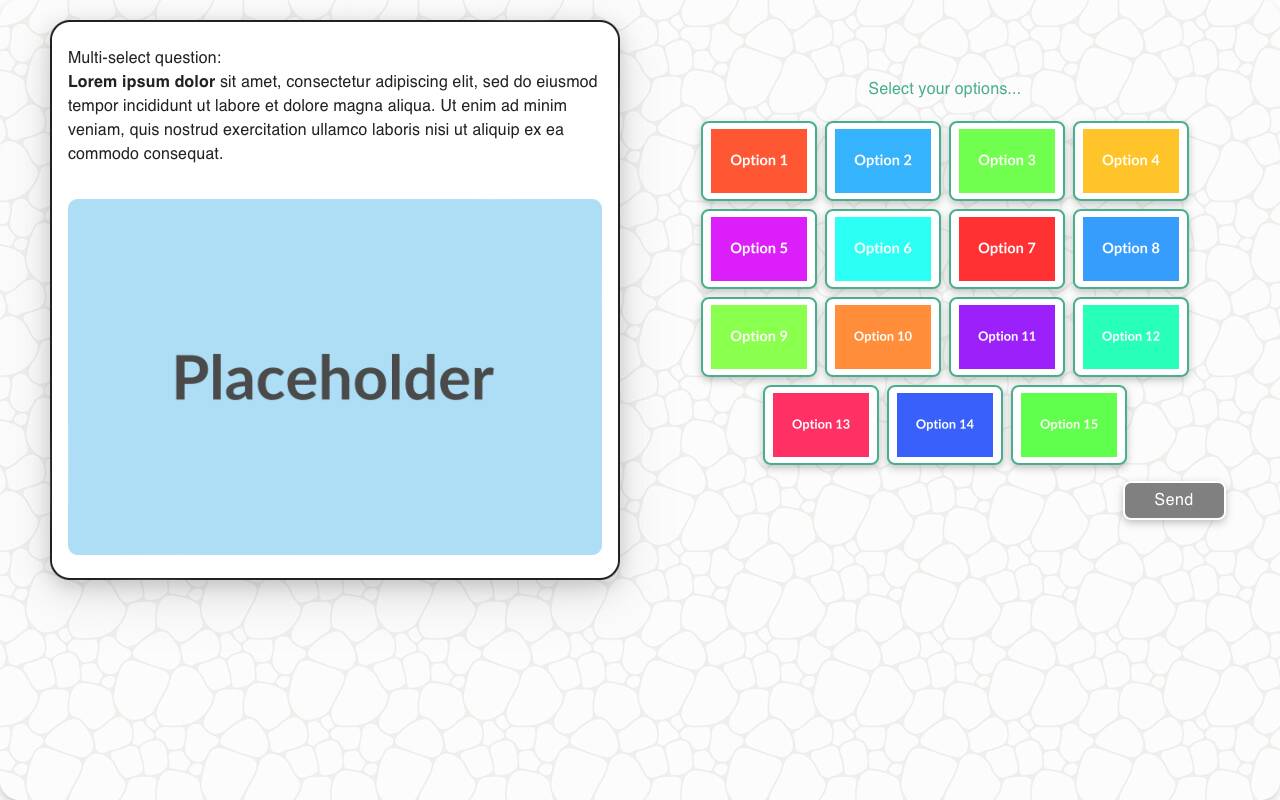
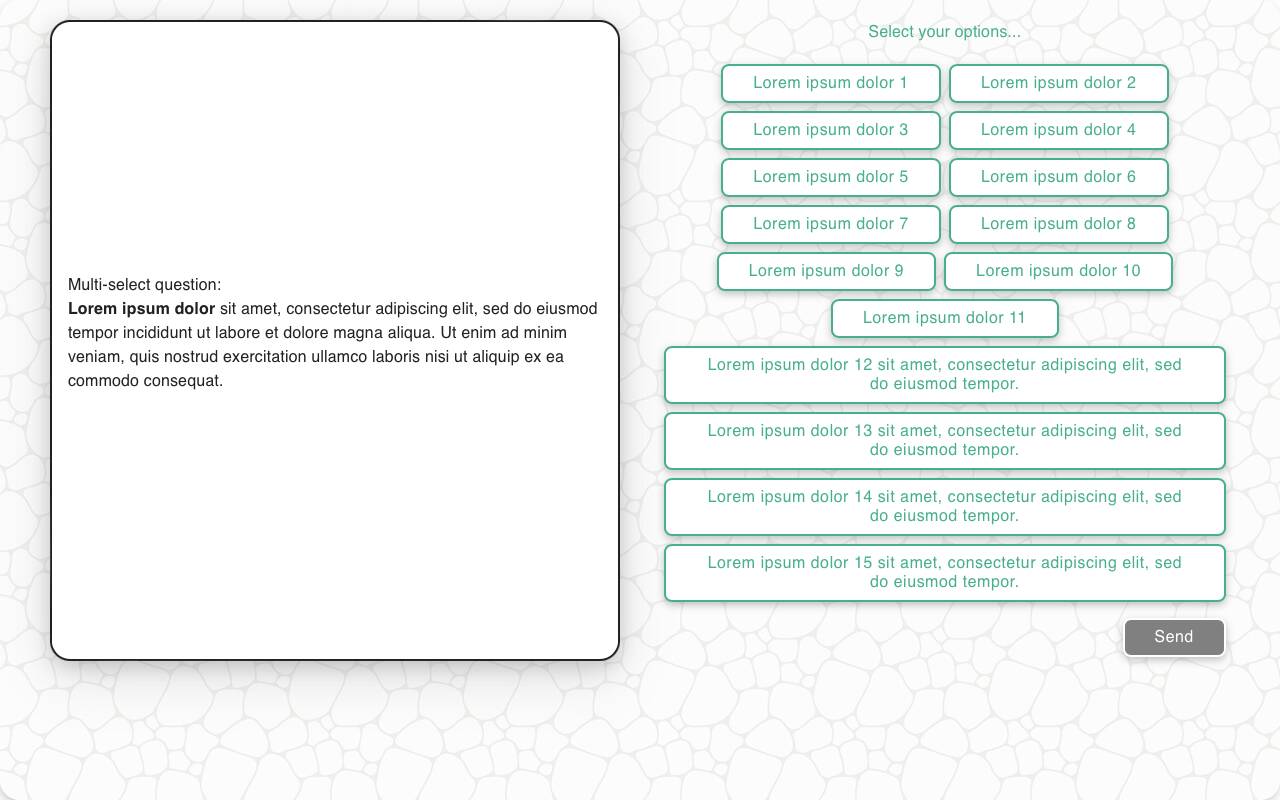
Same logic as portrait, but more layout flexibility.
-
Wider layout for media items, and better keyboard/remote navigation support.
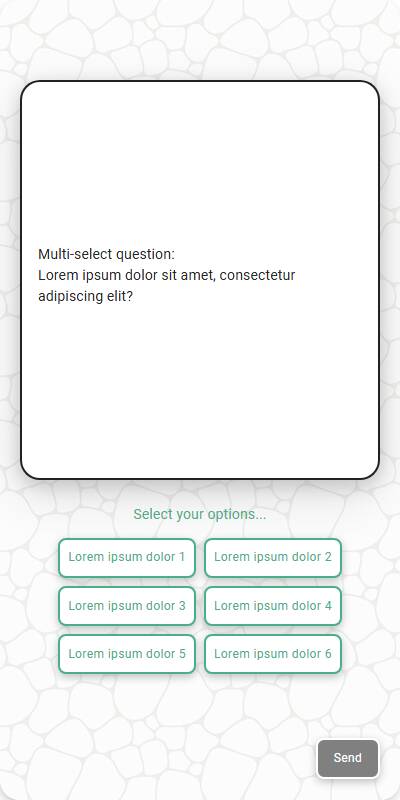
| With images | Without Images | Mobile optimized | List style |
|---|---|---|---|
 |  |  |  |
Configuration Options
| Option | Type | Required | Default | Description |
|---|---|---|---|---|
| question | string | yes | - | The prompt shown to the user |
| options | List[str|MediaItem] | yes | - | |
| max_options | int | no | all | Limit how many items can be selected |
| style | Literal['button', 'list'] | no | button for short lists/questions and list for longer ones. | The style to use, either a list or a button. |
| image | MediaItem | no | - | Image shown above the question |
| randomize | bool | no | False | Shuffle options (except fixed ones) |
| fixed_options | List[str] | no | - | Options that remain static during randomization |
| exclusive_options | List[str] | no | - | Options that deselect all others when chosen |
| disabled_options | List[str] | no | - | Options to gray out/disable |
| specify_option | str | no | - | Adds an “Other” option requiring input |
| specify_text | str | no | “Please specify” | Prompt shown with specify_option |
| default | List[str] | no | random choices | Test data default selections |
| recodes | Dict[str, str] | no | - | Maps response(s) to grouped value(s) |
| custom_validator | `Callable[[List[str]], str | None]` | no | - |
| skip_empty | bool | no | False | If True, skips question if no valid options |
| image_label_field | str | no | - | Field used to label media options |
| show_image_label | bool | no | True | Whether to show image captions |
| image_size | Tuple[int, int] | no | - | Display size for images in options |
tags | s.tag() | no | - | Replaces tokens in text and supports grouped reporting |
Example Code
s.multi_select_question( "What did you enjoy about the experience?", options=["The food", "The service", "The atmosphere", "The price"], fixed_options=["Other"], exclusive_options=["Other"], specify_option="Other", recodes={ "The food": "food", "The service": "service", "The atmosphere": "atmosphere", "The price": "price", "Other": "other" } )
With max options and validation:
s.multi_select_question( "Select up to two brands you most associate with luxury", options=["Lexus", "BMW", "Audi", "Mercedes"], max_options=2, custom_validator=lambda x: "You must choose at least one brand" if not x else None )
Notes
-
exclusive_options override other selections and enforce mutual exclusivity
-
Use max_options to encourage prioritization
-
recodes let you bucket answers for analysis
-
specify_option is helpful for capturing outliers or edge cases