Article
How to set up respondent sources
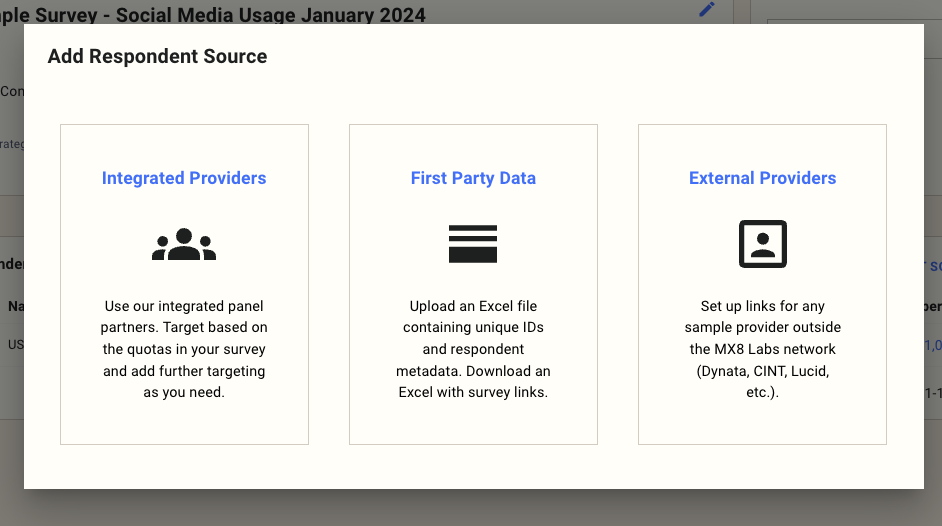
Once you've finalized your survey, you should be ready to set up target audiences for it. To create a respondent source, you hit add respondent source on the summary tab, and it will take you to the add respondent wized:
Different kinds of respondent source
There are three different kinds of audiences: integrated providers, first party data, and external providers:
- The platform automatically sources respondents from integrated providers.
- First-party data, available on the Team or Enterprise plans, are used to survey your customer base.
- External can be used on the Team or Enterprise plans, allowing custom integration with your sample provider. You can get instructions on using your sample provider in this article.
For the integrated providers, the audience definition will be taken from any quotas you have in the survey:
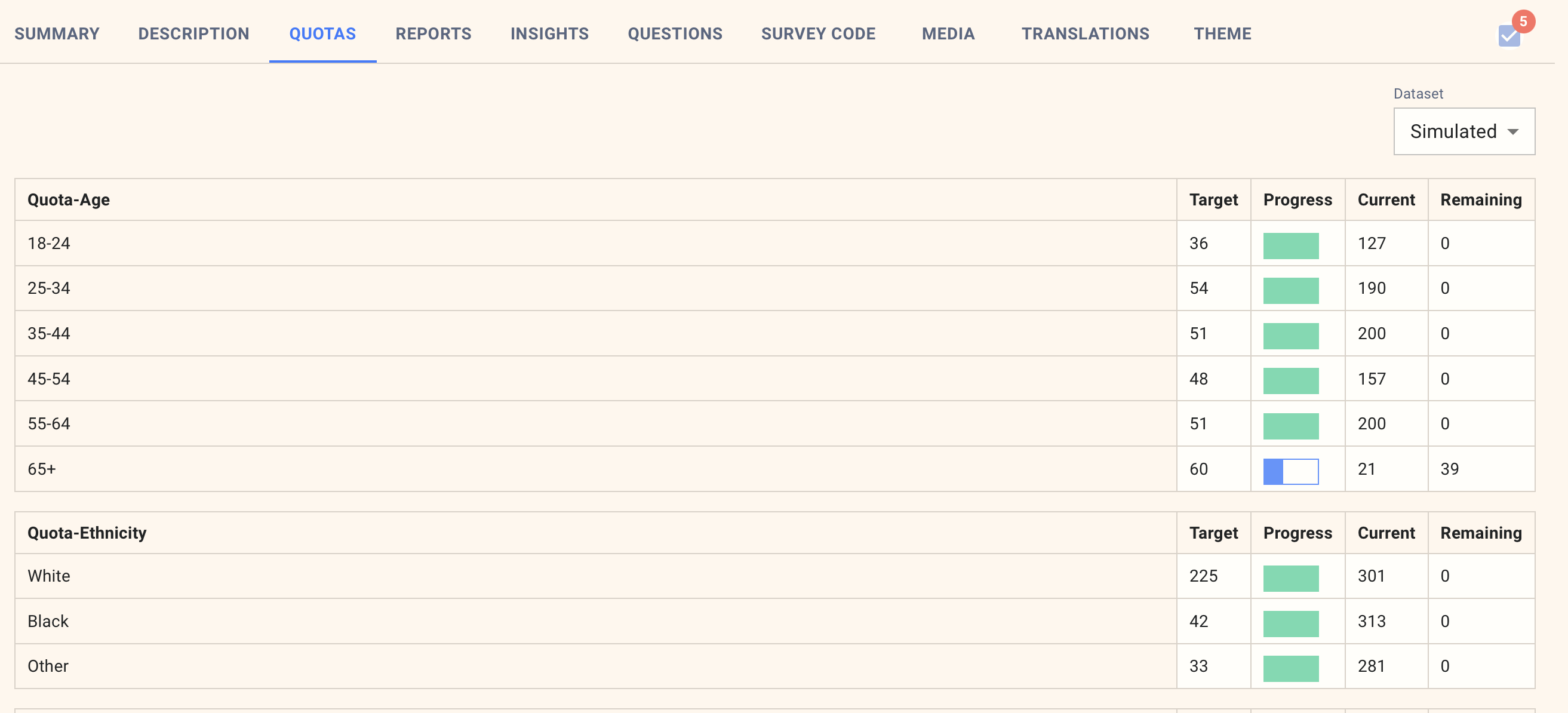
You can then edit the audience definition to add additional targets available from the sample provider:

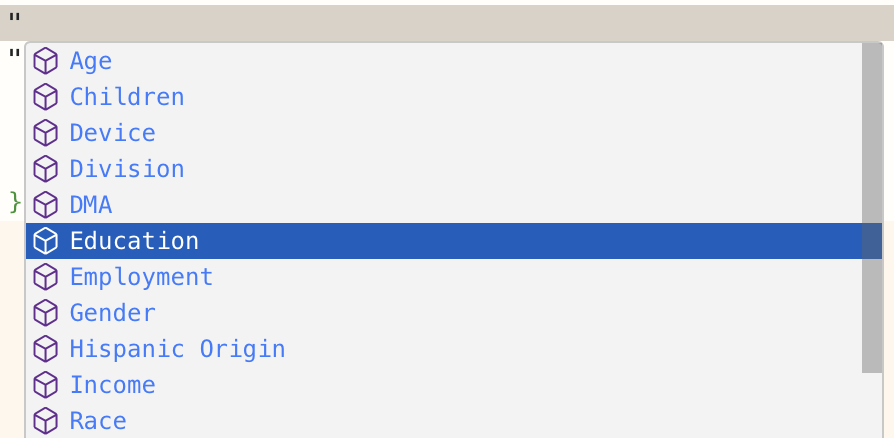
Hitting the " key triggers autocomplete where you can browse all the available options:
Adding boost audiences
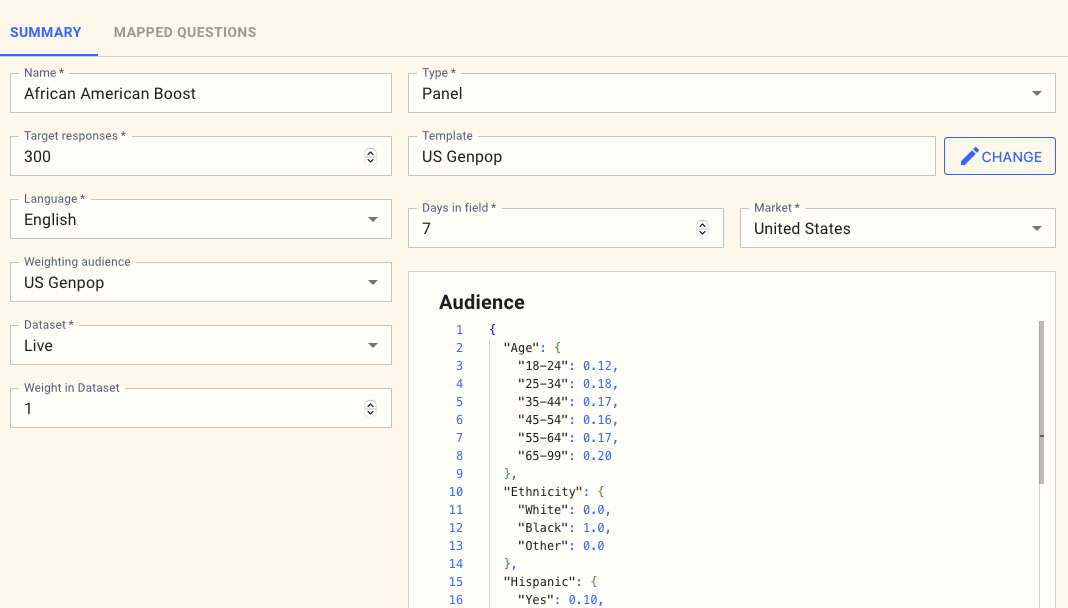
Sometimes, you might want to augment a specific survey with more respondents of a particular kind without skewing the overall results. To do this, you create a new respondent source with the required distribution and specify that it should be weighted to the main audience you have set up.
If you look at the example below, we have boosted the audience of African Americans as follows:
- The audience definition specifies only African Americans and a lower percentage of Hispanics.
- The weighting audience is set to the primary audience, "US Genpop".
This will give us an additional 300 responses in the African American group, which will greatly increase the statistical significance of results within this group without impacting the overall distribution of results in the survey.