Article
Fielding surveys internationally
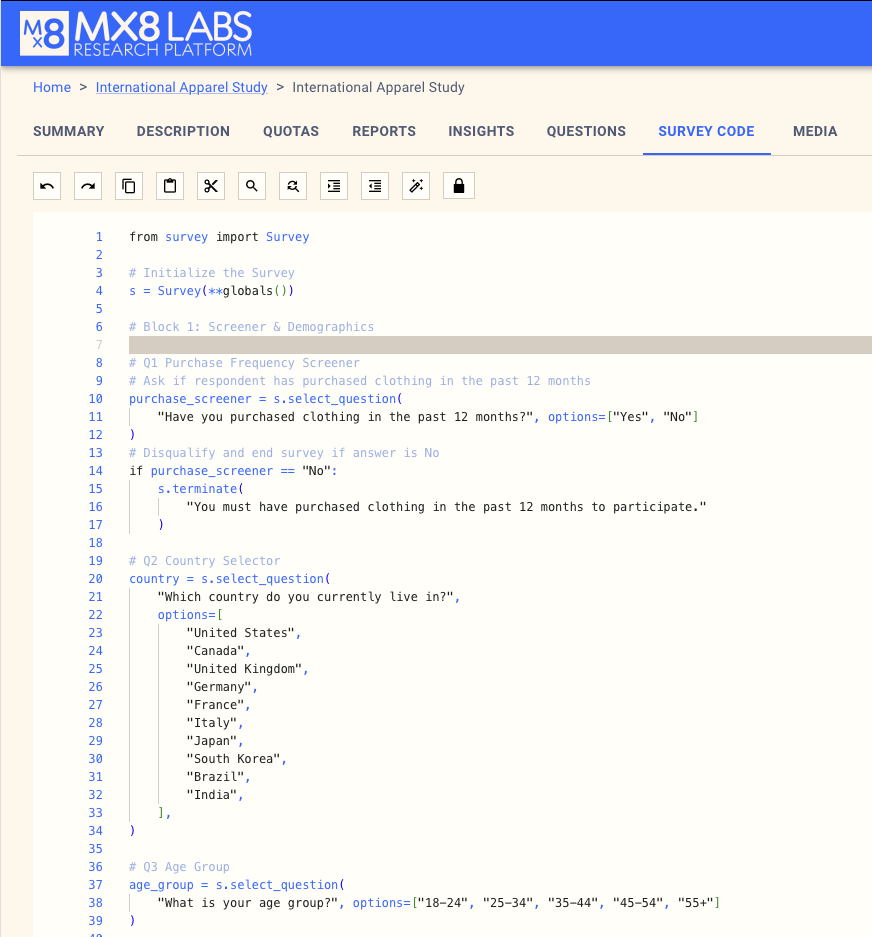
You can cover multiple markets from a single survey if you program it accordingly.
First set up your survey in the usual manner:
Then, create an audience from the audience section on the Survey summary page:
Here you can select the country and the language you want to field in:
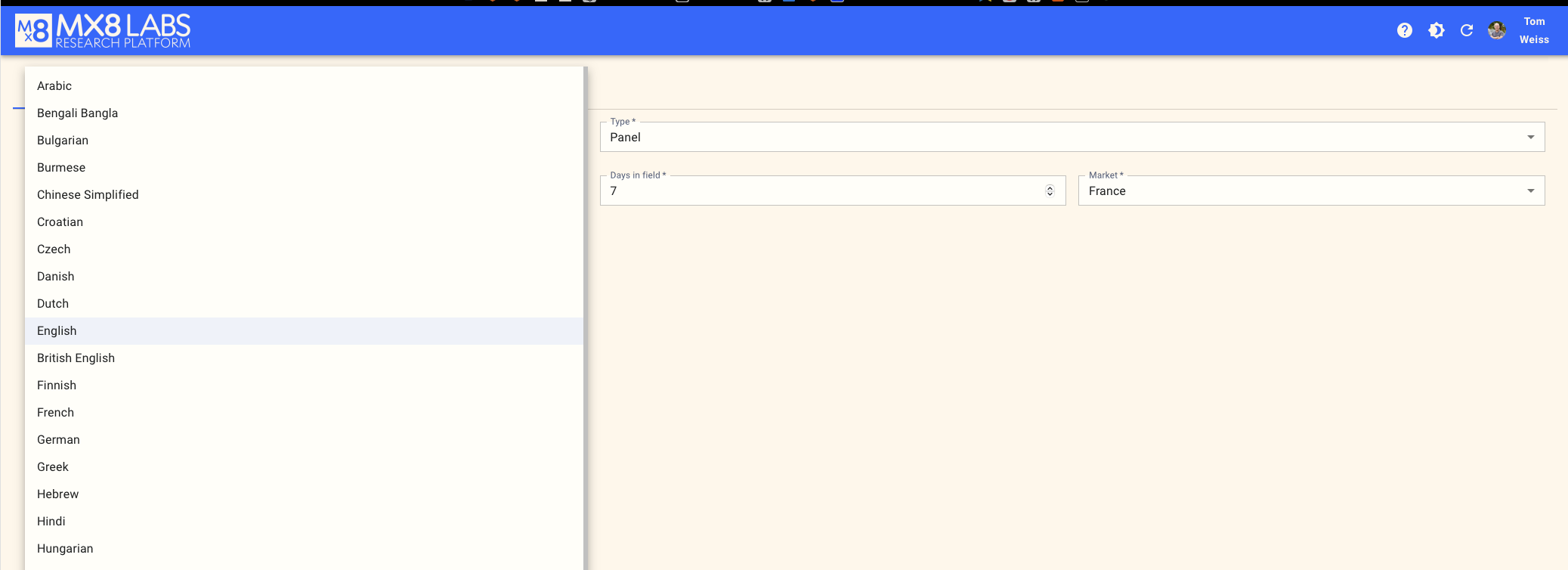
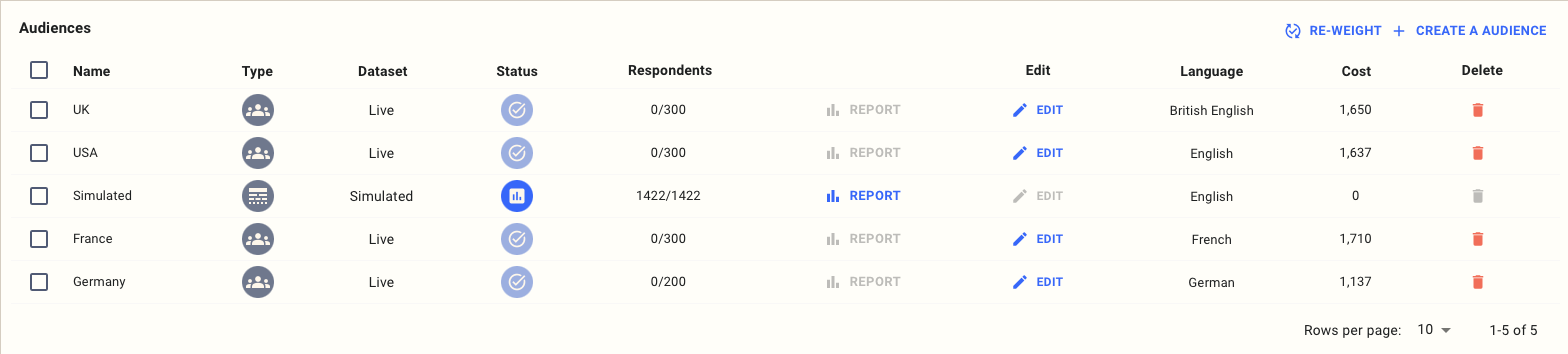
Create an respondent source for each of the countries you want to field in:
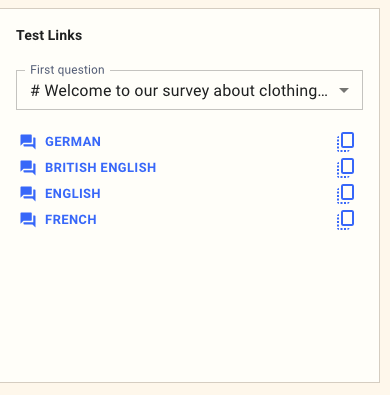
For each respondent source, you'll see a test link that you can use to check each language:
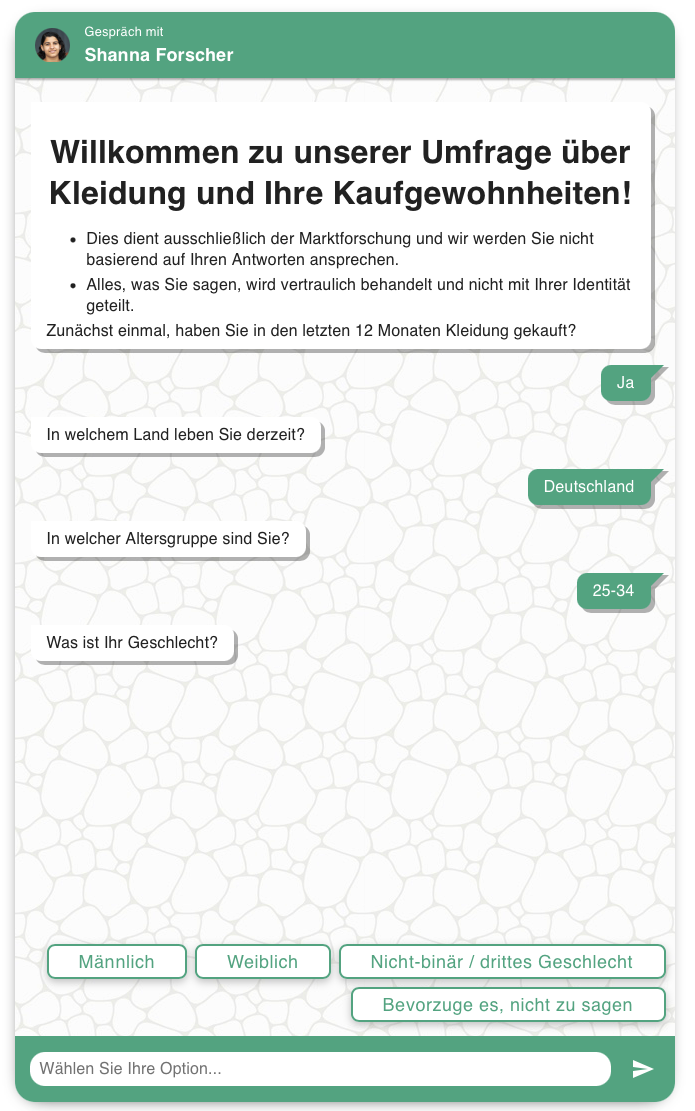
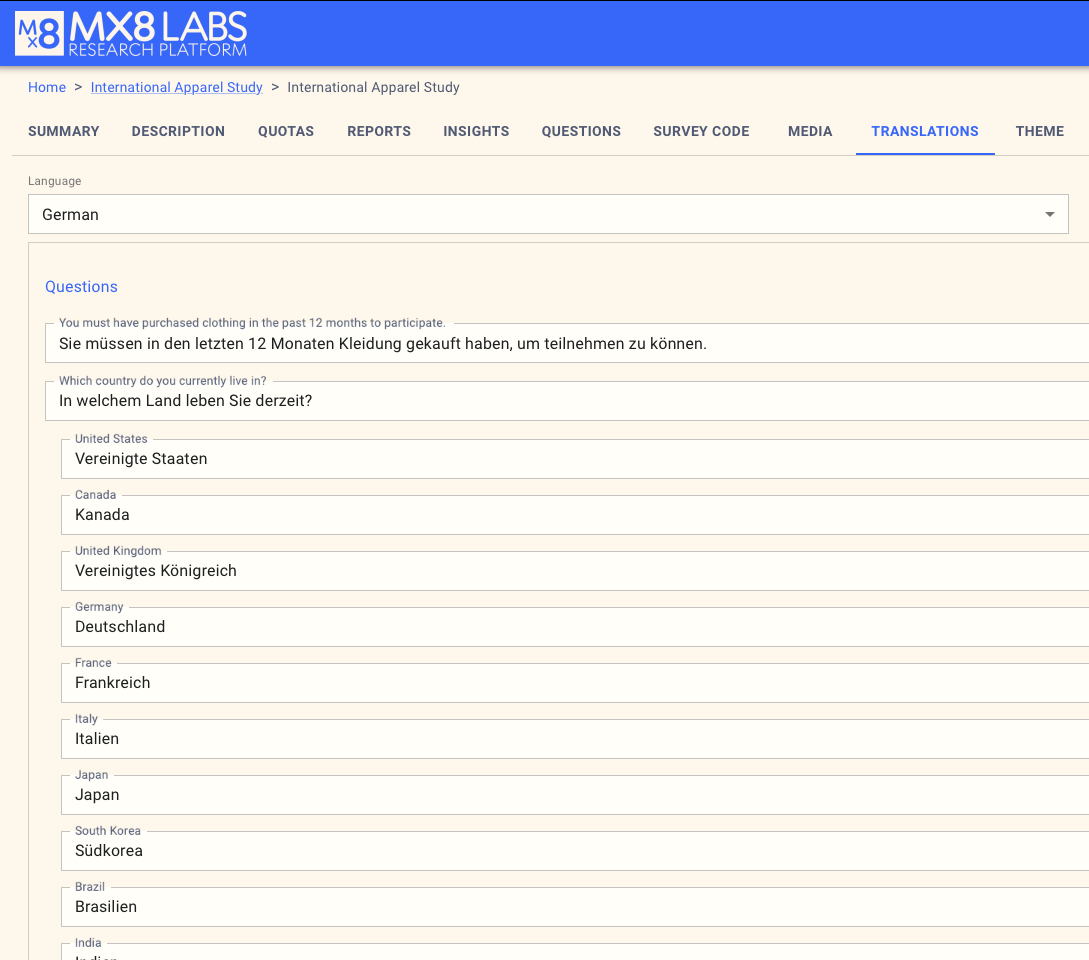
You can also edit the translations in the translations page:
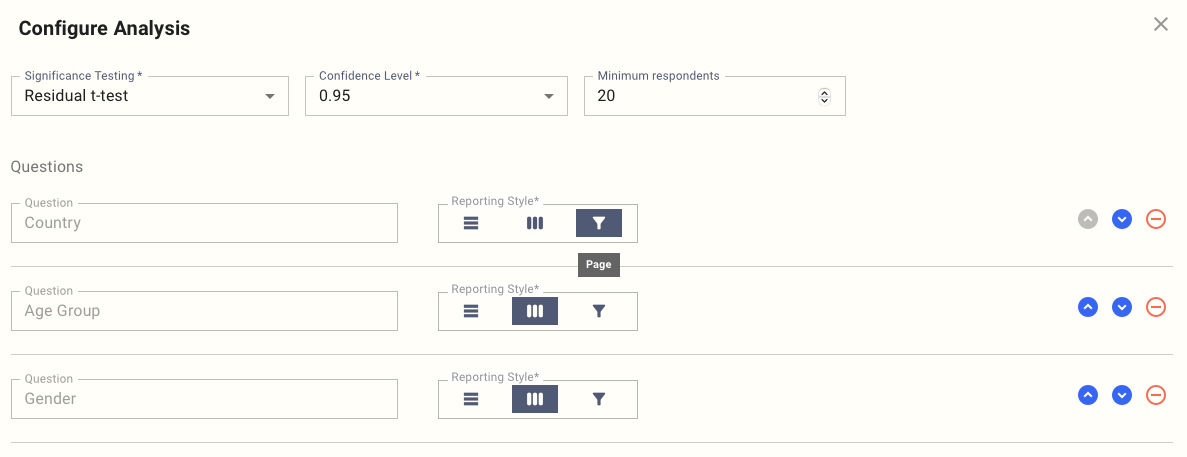
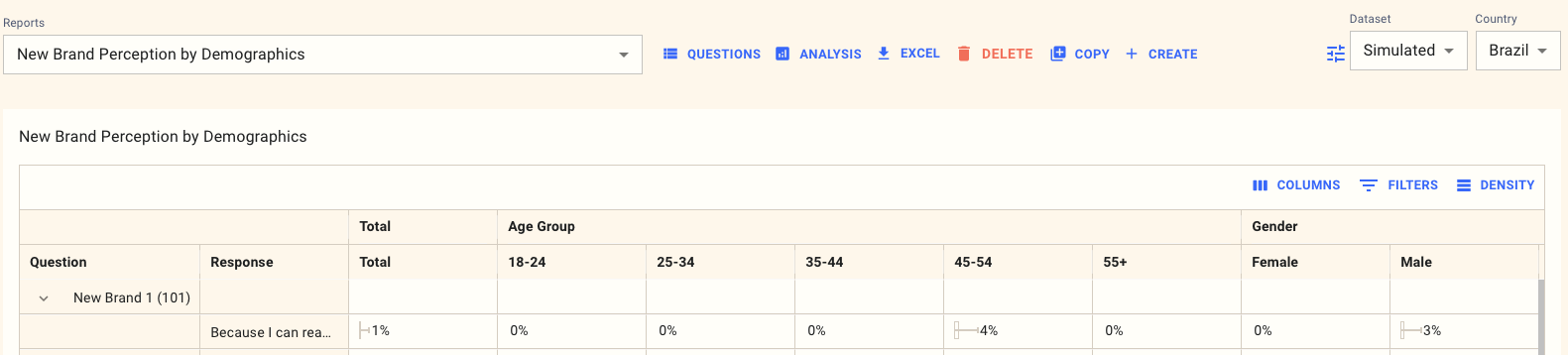
Once you're happy, put each audience live in turn. In the reports, you can set the country as a page-level filter, or simply report on all countries together: